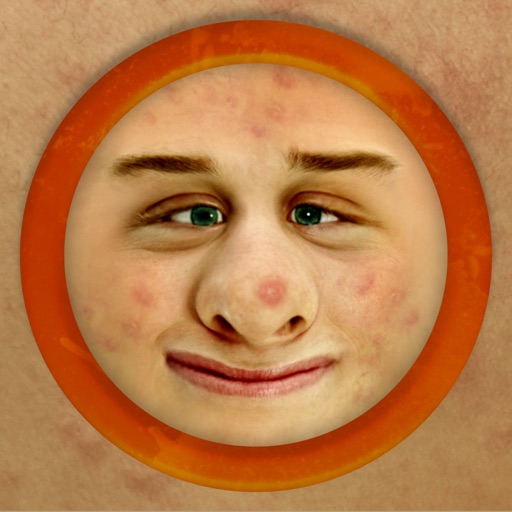
The app works with photos from the built-in camera or photo library. It allows users to choose a face among many on the same photo and features instant transformation with no internet connection needed.
by PiVi & Co★ 4.2402 ratingsEntertainmentFreeData updated 2026-09-20
Extract high-quality still images from videos or Live Photos. Select and edit frames with built-in tools. View and edited photos directly. Play videos from local storage or iCloud. Scrub through footage for precise frame capture.
Create photo layouts and GIFs for events. Guests can take photos, add effects, and share directly. Includes intuitive interface and continuous operation for long events.
Capture photos, create time-lapse videos, make animated
Take to create a photo journal. Make time-lapse videos and animated GIFs from photos. Backup and sync images via Dropbox. Tag photos with locations using Swarm.
360 COMPANY BILISIM TEKNOLOJILERI REKLAMCILIK MEDIKAL TURIZM SANAYI VE TICARET LTD STI
Faces, edit videos, share content
Edit photos and videos using technology. Apply creative effects and templates. Choose from professional, casual, retro, old money, elite, and seasonal styles. Share results on social media or with contacts. Add filters and generate photo designs.
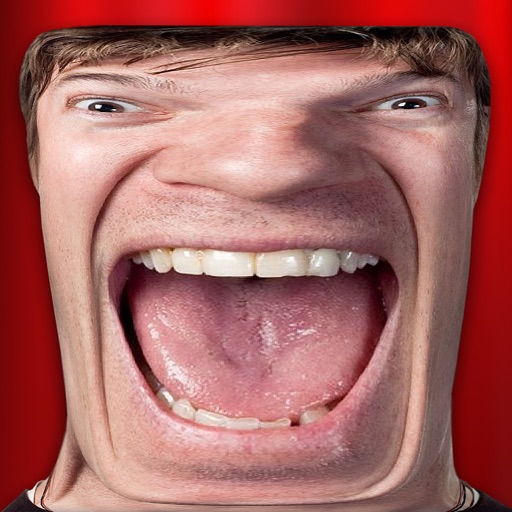
Take photos and videos with 9 customizable effects including smile enhancement, face stretching, and character transformations. Adjust effects on-screen. Share images and videos via email, Twitter, or Facebook.
Take a photo or upload an image to analyze facial features. The compares your face to a database of and identifies -alikes. View results to see which you resemble.
Edit photos with AI to replace faces and create memes or greeting cards. Use high-quality morphing for realistic results. Detect if an image is real with AI image analysis. Access templates of celebrities, historical figures, and memes.
Edit photos by selecting focus areas with smart selection tools. Apply to background while keeping subject in focus. Choose from nine including motion and zoom. Pan and zoom quickly for precise adjustments.
Add to or images automatically. Choose or take an image, apply a caption, and share or save the result. Supports sharing to , , Twitter, and other platforms.
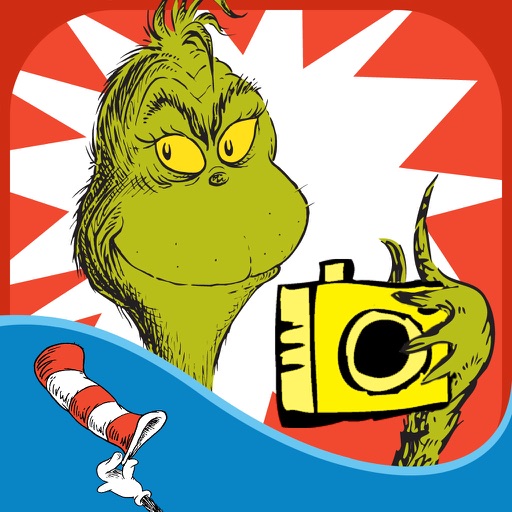
The app allows users to create Grinchmas cards using Seuss characters. Users can personalize cards with stamps, borders, and text, then share them via social media or save them.
Take a photo or select one from your gallery. The detects your face and analyzes its similarity to your parents' faces. Share the results via email, Facebook, Twitter, or other social media platforms.
The app provides over 3200 unique rage faces and over 380 camera booth stickers. Users can add faces to messages, search for specific faces, and import their own images.
The app allows users to create personalized Cat in the Hat cards. Users can add characters, stamps, borders, and text to photos from their camera or library.
Edit facial photos with realistic styles and color customization. Try on various types and adjust colors to match hair. Share edited images directly from the .
Edit photos with skin smoothing and whitening features. Adjust enhancement levels from 1 to 8. Apply 12 unique filters for enhanced selfies. Add makeup tools for detailed facial enhancements. Save and share edited images directly.
Send to multiple apps including WhatsApp, Instagram, and Snapchat. Import sticker categories or send individually. Assign to contacts by tapping and holding. Share via MMS, email, or directly within apps.
The app allows users to upload a picture and try on various hairstyles. Users can explore free styles or purchase additional packages to see what suits their face shape.
Create photos with customizable like Fat, Pinch, and Hue. Mix to create unique combinations such as Hulk or Alien. Apply filters, adjust colors, and save or share edited photos.