The app allows users to type Pīnyīn with tone marks using Apple's system keyboards and third-party keyboards. It supports predictive text and text replacement, making typing Pīnyīn quick and easy.
by Wayne Wong★ 2.77 ratingsProductivity$1.99Data updated 2026-09-20
Type in phonetics using a customizable . Supports multiple languages and character sets. Allows users to switch between keyboards and adjust input settings. Includes predictive text and auto-correction features.
Switch between , English, and Russian languages by swiping on the space bar. Type in using English or Russian keyboards in translit mode. Use abbreviations like 'ut' for 'utyun' or 'ak' for 'akyun' to speed up typing.
Type letters and words using an intuitive keypad. Get word suggestions as you type. Support writing messages, stories, social media posts, and emails in . Includes a user-friendly interface for seamless input.
AI dictation converts spoken words into clear, polished text in real time. Users can dictate messages, emails, and documents by speaking naturally. The refines speech into professional-grade writing without requiring typing.
Type using an English with . Input words as they are pronounced in English to get instant text. Supports common variations. No need for special layouts.
The app provides three keyboards for iOS, supporting Belarusian, Bulgarian, Macedonian, Russian, Serbian, and Ukrainian. It includes gesture typing, mathematical calculations, and customizable themes.
Text, pictures, or spoken conversations in 108 languages. Access dictionary entries including definitions, synonyms, antonyms, examples, and etymology. View bilingual examples and native examples for context.
The app provides extended keys for the Spanish keyboard on iPhone and iPod. It includes arrow keys for faster text editing and dedicated keys for typing extended characters and quotation marks.
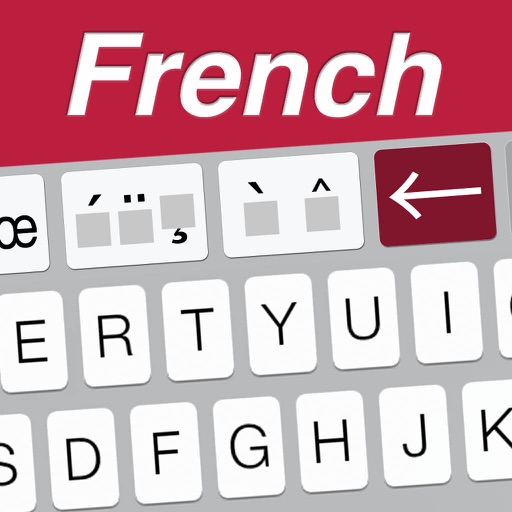
The app provides extended keys for the French keyboard on iPhone and iPod. It includes arrow keys for caret movement and dedicated keys for typing extended characters and quotation marks.
Type letters, numbers, and symbols with complete support. Use smart word predictions for auto-corrections. Switch between Latin and layouts. Customize appearance and settings. Share text via copy-paste or direct export.
Find anagrams for given words in English, Greek, or Spanish. Input scrambled words to reveal possible matches. Browse random anagrams for fun. Use as a spelling dictionary. Tap and hold an anagram to view its definition via iOS dictionary.
Send contact information quickly without typing. Share addresses, phone numbers, email addresses, and bank account details via tap. Fill out expense reports with minimal input. Sync data across devices for easy access.
Type in Lao using a full layout designed for iOS. Switch between Lao and English quickly. Works in any with a . Lightweight and private with simple setup.