Create drawings using realistic crayon and marker pen tools. Listen to drawing sounds. Navigate with an intuitive interface. Access eight free coloring pages for practice. Explore related drawing apps for different mediums.
by Raysoft.co★ 4.068 ratingsEducationFreeData updated 2026-09-08
Create art using realistic and watercolor effects. Draw with tools like marker, airbrush, crayon, and eraser. Apply fluid-based watercolor effects in the full version. Adjust colors and blend textures for detailed illustrations.
Create and color custom illustrations using a variety of tools. Choose from different pages and themes. Save and share completed artwork. Learn about colors, shapes, and fine motor skills through interactive activities.
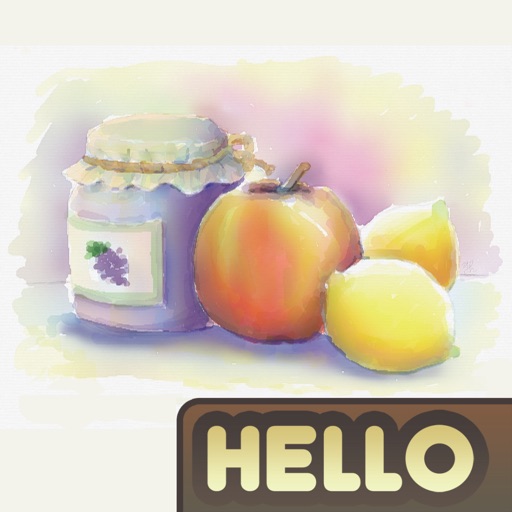
The app simulates watercolor blending and spreading behaviors using fluid simulation technology. It supports techniques like wet-in-wet, wet-in-dry, dry brush, and dry on wet, along with pencil sketching.
Help cats clean by sorting photos or drawing. Assist kittens in preparing for sleep. Interact with and friends through storytelling and creative tasks. Track progress and complete bedtime routines.
Colorland allows children to color vibrant images featuring animals and vehicles. Users can navigate a magical castle environment to explore and create art. The provides over 140 pages for interactive drawing.
Allows users to paint and the Family using rainbow brushes and glitter pencils. Includes 200+ pages with themes like animals, cars, and dinosaurs. Features mandala drawing games and interactive activities.
Allow users to create and customize mermaid illustrations. Users can select from 300+ pre-designed , add stickers and text, apply special effects like glitter, and save their work. Free drawing mode enables custom artwork.
Game for children allows users to select from 5 themed sets with 75 pages. Choose from pencils, brushes, paints, and various strokes. Add backgrounds and special effects. Save drawings and share them.
AR : Project sketches onto real-world surfaces for accurate proportions. Use stand mode for stable, low-latency . Convert paper sketches into digital art with precise tracing and editing tools. Save and export artwork in multiple formats.
Kids can color, draw, and decorate with various brushes, crayons, and pencils. They can use stickers and graphics of animals, vehicles, insects, fruits, and food from multiple galleries.
Pages allow users to select from 300+ pre-designed images and customize them with stickers. Users can create original drawings and enhance their artwork with various tools. Completed artwork can be shared with others.
Create art with hand-drawn illustrations by Olivia De Bona. Choose from 50+ exclusive designs. Use tools to , sketch, and customize images. Save and share completed artwork. Adjust brush size and opacity for detailed work.
The app offers over 350 hand-drawn pictures for coloring, supporting hand-eye coordination development. It automatically saves progress and allows saving finished pictures to the Photos library.