The app removes unwanted objects from photos, including logos, text, and people. It uses an InPaint algorithm to fix photos, making them appear as if the objects were never there.
Remove unwanted elements from photos such as people, acne, buildings, lines, and backgrounds. Edit images by selecting and deleting specific objects. Export edited photos in standard formats.
Add vibrant color to specific image areas using the Color Splash Effect. Adjust intensity and placement. Export edited in various formats. Share directly from the .
Remove backgrounds from photos using AI technology. Cut out objects and edit images with precision. Overlay subjects onto new backgrounds. Save and share edited images directly.
The app offers a spa section for facial preparation, a makeup section for choosing colors and hairstyles, and a style section for outfits and accessories. Users can save their designs.
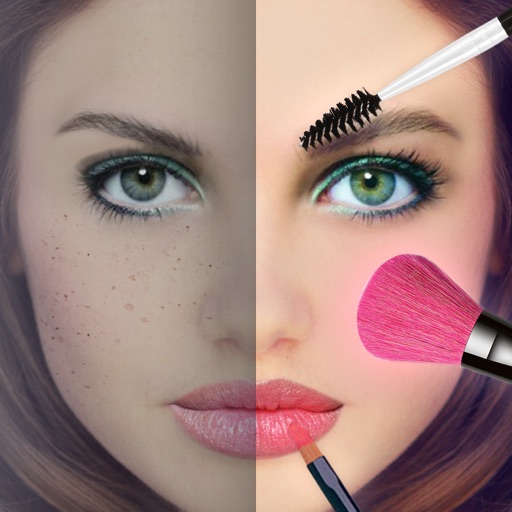
Remove unwanted objects and people from photos with a few taps. Edit skin imions and blemishes for a smooth, natural look. Use AI-powered tools to enhance images without internet access.
Remove backgrounds and unwanted objects from photos and videos using AI. Tap to remove backgrounds, swipe to erase objects. Edit media quickly with precision. Export edited content directly.
Edit photos with tools like Pen, Line, Arrow, and Rectangles. Apply filters, effects, and enhancements. Add text, stickers, and adjust lighting and color. Remove blemishes and red-eye. Crop and resize images.
Edit photos and videos with AI-powered tools for hairstyle transformation, avatar creation, and object removal. Remove unwanted elements with a single click. Generate high-resolution images and create captivating visuals with one tap.
Create and edit digital artwork with layers, brushes, and custom tools. Adjust colors, brightness, and contrast. Import photos and sketches. Save and export in various formats. Apply filters and effects. Collaborate with others through cloud sharing.