The app provides a blank canvas for children to paint with random brush sizes and colors. Users can set the background color, use photos as backgrounds, and access unlimited undo functionality.
Prepare wooden boards by sanding them. Carve designs using a virtual tool. the carved surfaces with various colors. Save and share completed artwork. Adjust carving and painting details for precision.
Create custom cards with seasonal templates. Choose from 100+ designs. Use 10 paint brushes and 50 texture brushes. Select colors with an easy picker. Zoom in/out on small blocks. Record coloring sessions as animations.
Games allow users to select color by number puzzles and images by tapping colors. Features include on pages, recoloring existing artwork, and saving progress. Users can access pixel art books and sketch freely without internet connection.
Coloring by numbers lets users select images and fill in colors to create artwork. Features include choosing from themed pictures like travel, animals, and mandalas. Users can paint directly on the canvas and save their work.
Solve puzzles to reveal hidden scenes and complete themed puzzle packs. Choose between classic and color puzzles with varying grid sizes and difficulty levels. Unlock new content as puzzles are completed.
Create pixel art by matching ball colors to target hues. Collect three balls to unlock a color and paint the canvas. Use a temporary holding bar to gather more without overfilling. Complete hundreds of colorful pixel art puzzles.
Create and customize digital artwork with a wide range of colors and brushes. Choose from pre-designed pages or upload personal images for . Switch to dark mode to reduce screen strain. Save and share completed drawings.
Create patterns by strokes. Choose from eight modes and over 10 brushes. Select from endless colors. Save and share artwork. Adjust settings for brush size and speed.
Create and colors on a canvas to solve puzzles. Fill squares to complete paintings. Choose colors to mix and adjust hues. Complete levels with increasing difficulty. Enjoy calming gameplay and artistic challenges.
Create digital art by drawing, sketching, or painting with customizable colors and brush settings. Import photos to edit or draw over them. Add text with various fonts and editing options.
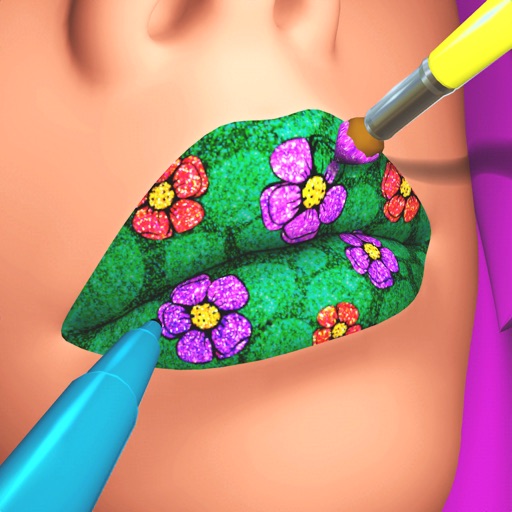
Create custom lip art using lipsticks, brushes, gloss, glitter, sequins, and rhinestones. Design unique lip art styles and share creations. View and compare user-generated designs. Track likes and engagement metrics.
Create art by selecting colors and numbers to fill in sections of detailed images. Use realistic brushes and pencils with ASMR sounds. Access a variety of high-quality coloring pages.
Balls by swiping to aim and shoot colored balls. Match colors to fill shapes and complete puzzles. Complete levels by painting entire figures in one . Explore infinite puzzles with varying shapes and combinations.