Create and mix music using modular devices like samplers, mixers, and effects. Add sequencers and effects plugins. Customize setups with expandable gear. Import and export audio files. Connect to external hardware and software.
by Retronyms Inc★ 3.386 ratingsMusicFreeData updated 2026-09-08
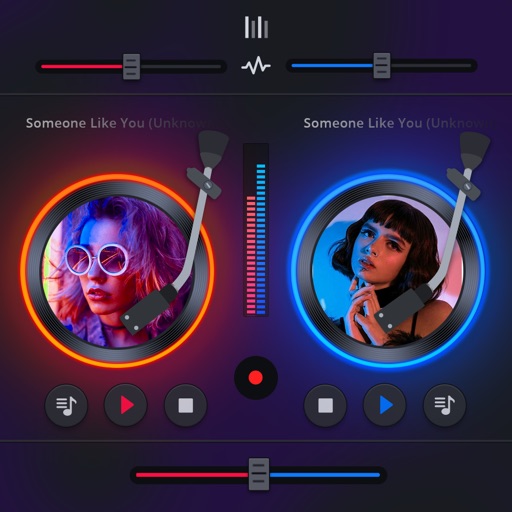
Manage playback with a 3D DJ interface featuring turntables and a 3-band EQ . Access a library to organize files and create custom mixes. Adjust volume and effects in real time during playback. Sync with external devices for live mixing.
Access your Spotify, Pandora, iHeartRadio, and SoundCloud accounts. Stream 3000+ podcasts and 300+ radio stations. Play device library tracks. Enjoy ad-free without an account. View audio reactive visualizations for meditative relaxation.
Create and customize rhythms with three drummers offering modern, classic, and contemporary styles. Export multi-track or full mix audio via MIDI. Access over 60 bass lines in iBassist. Adjust delay and reverb effects for sound shaping.
Create and edit music using sample-based composition. Import sounds via AirDrop or Files, or record with microphone or iOS interface. Play sounds on drum pads or keyboard. Apply effects and edit audio.
Create beats using a drum machine with over 1000 curated sounds organized by frequency and length. Edit grooves in banks like Hip Hop, Trap, and AfroBeats. Adjust rhythms and export projects for use in music production.
Play along with pre-recorded drum loops from Jazz to Rock. Practice with a virtual drummer that adjusts tempo and swing. Use the smart metronome with clave and swing regulator features.
Record and audio for voice or instruments. Create song sections like verse, bridge, and chorus. Switch between sections in real time. Import audio files and use drag-and-drop. Apply effects and overdub tracks. Supports iPad and iPhone.
Control 4 parameters of Ableton devices simultaneously using touch. Adjust X, Y, Speed, and Gate values in real time. Connect via USB or Bluetooth. Sync with Ableton via a provided script. Includes a free starter project for sound design.
Play chords and melodies using a tactile keyboard interface. Hold buttons and swipe or tap to create sounds. Access chords and notes via a grid for precise selection. Adjust pitch, harmonize, and apply real-time audio effects.
Create beats by tapping, dragging, or swiping to trigger sounds. Choose from various instruments and effects. Learn basics through guided lessons or freestyle create. Experiment with different styles and sound combinations.
Access a collection of over 500 tracks across multiple genres. Search and filter to find favorite backing tracks. Use high-quality kits for practice or performance. Play tracks offline and sync with audio equipment for amplified sound.