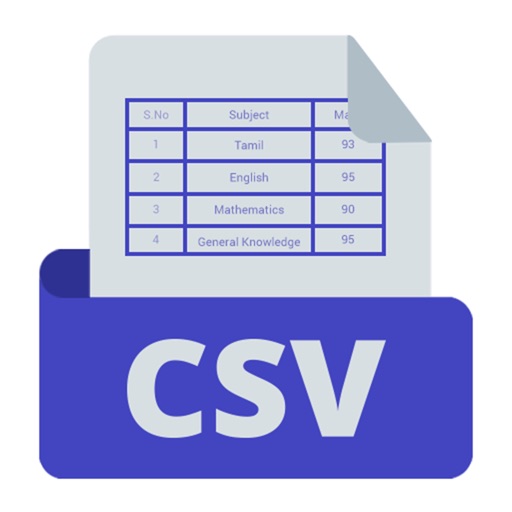
The app allows users to view, edit, search, sort, and print character-separated tabular data. It displays textual data in a graphical columnar format and supports CSV, TSV, and custom separators.
by Limit Point Software★ 0.00 ratingsEducationFreeData updated 2026-09-19
Add, subtract, multiply, and divide numbers up to five decimal places. Maintain a running total and view a scrollable . Copy or paste numbers by touching and holding the display area.
The app allows users to chart data series by entering comma or space-separated numbers. It offers multiple chart types including lines, dots, and bars, with an option to display the average value.
Control Arduino pins digitally and analogously via Bluetooth Low Energy. Plot data in real time and log it to CSV files. Capture GPS coordinates during data collection. Communicate via serial text using a terminal interface.
Manage events and tasks with natural language input. View schedules in day, week, month, quarter, and year formats. Add tasks and set time zone preferences. Sync data across devices.
Create and manage tables with unlimited folders. Add, copy, and duplicate rows and columns. Customize cell properties including color, font, and alignment. Perform batch operations like sorting, deleting, and searching.
The app allows users to chart data series by entering numbers separated by commas or spaces. It supports multiple data series, different chart types, and viewing data and graphs by rotating the phone.
Use phone sensors to measure magnetic fields, gravitational acceleration, and sound. Run preloaded experiments or create custom ones. Export raw data and results for analysis. Share experiments with others.
Create and edit spreadsheets with formulas, charts, and formatting. Import and export files to Excel, Numbers, and cloud services like Dropbox, Google Drive, and iCloud. Share spreadsheets via email or cloud links. Sync data across devices.
Learn Latin vocabulary with definitions, conjugations, and translations. Parse Latin to improve reading skills. Star challenging terms for review. Copy and share definitions. Switch to landscape mode for better readability.
The app allows users to edit CSV files with a user-friendly interface. It organizes opened files into gridded columns for easy viewing and modification of spreadsheet or database exports.
Manage PDF documents with AI-powered tools. Create and organize PDF Spaces for multi-file collaboration. Use AI Assistant for text or voice-based queries and get cited answers from documents. Share responses directly.
The app transforms an image mapped to the complex plane using a complex function parser. Users can select predefined images or import their own, then export or share the resulting image.
Analyze datasets by importing files or entering manually. Apply filters to focus on specific rows. View key statistics and visualizations for each variable. Understand results with plain English explanations of statistical methods.