Allows users to save and restore window positions across different display setups. Users can manually move windows and save their layout. Stored layouts can be recalled at any time.
by Cordless Dog★ 0.00 ratingsUtilitiesFreeData updated 2026-09-08
Outline creation and management with nested tags and customizable fonts. Import and export OPML and Markdown files. Sync and share via iCloud. Embed images and format text. Support drag and drop, links, notes, and backlinks.
Manage multiple windows independently. Open and arrange 1, 2, 3, or 4 instances. Drag and resize windows. Open links from one window to another. Multitask by handling social media, news, and other websites simultaneously.
Control computer power states remotely via local network or Internet. Send -up commands using Siri. Access interactive widgets for quick actions. Manage host availability and track status updates.
The app allows users to explore, view, and download files from desktop computers running GoodSync Connect. It also enables uploading files and folders from a desktop to the user's device and making phone files accessible to GoodSync on desktop.
Edit spreadsheets with advanced formatting, formulas, and charts. Import and export Excel files. Create and manage worksheets. Use drag-and-drop for cells and rows. Access all core spreadsheet functions without subscription. Sync data across devices.
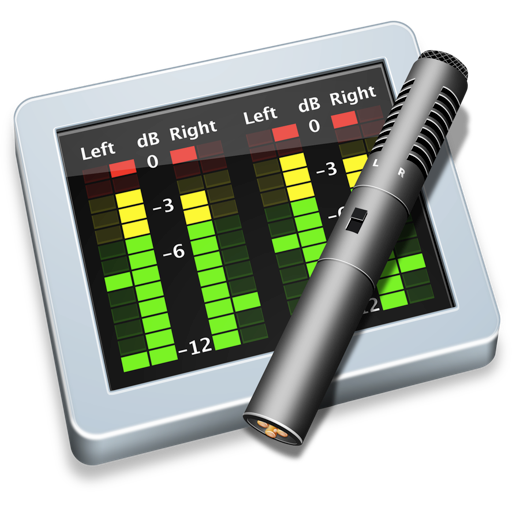
Monitor audio levels and mono compatibility in real time. Display multiple channel inputs with resizable windows. Support third-party routing software for external audio sources. Update at 30 frames per second.
Track and manage multiple counts with separate entries. Organize counts into groups for better management. Access counts across all devices. Use multipliers for faster counting in larger increments. Open multiple counting sessions simultaneously.