The app offers a paint application with various stroke options, including single and selectable sizes. It features normal colors, new colors, and continuous color changes for each stroke.
by ABCiSoft★ 5.04 ratingsEntertainmentFreeData updated 2026-09-19
Create and edit drawings with brush, blur, eraser, fill, pen, pixels, procedural, select, smudge, text, and vector tools. Work with hundreds of layers. Participate in daily drawing challenges, competitions, and collaborative co-ops.
Create art by selecting colors and filling in grids. Choose from pre-designed artworks or design custom pieces. Save and share completed projects. Access a library of free art templates. Adjust color palettes and grid sizes for different projects.
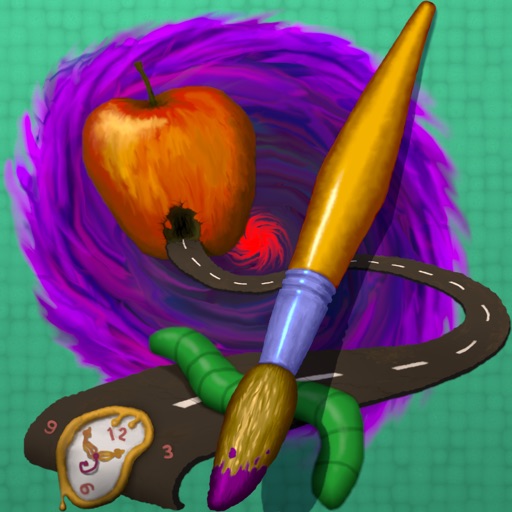
The app provides tools for realistic oil painting and unique effects like Worm Pen. It features live-calculated brushes and strokes that interact with a generated canvas texture.
Create looks with tools for painting, coloring, and designing. Choose from themed makeup options like pumpkin, witch, and unicorn. Add costumes, accessories, and sparkly effects. Customize characters freely in free mode.
Create flipbook animations with frame-by-frame drawing. Use pressure-sensitive pen and eraser tools for artistic effects. Edit with undo/redo features. Add predefined animations and effects. Export and share finished projects.
Pages allow users to select and customize colors for each section. Features include saving progress, sharing completed artwork, and accessing a library of themed pages. Users can zoom in for detailed and adjust brush sizes for precision.
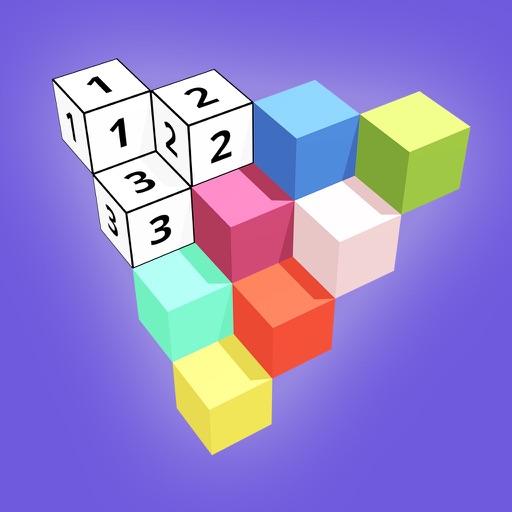
Create 3D models by coloring numbered blocks. Rotate, scale, and zoom to adjust your model. Paint highlighted boxes with selected colors. Save and share completed designs.
The app transforms user snapshots into multi-textured, stroke-filled Impressionist masterpieces. It maintains the balance of the user's piece, resulting in captivating paintings brimming with passion, life, and beauty.
The app offers tools to enhance photos, remove blemishes, and apply various effects. Users can combine photos into collages, add stickers and frames, and adjust image properties like brightness and contrast.
Play a retro-style game based on PAC-MAN. Move your character to color levels. Avoid bombs and collect candies. Complete levels by painting them. Track progress through level completion.
Turn photos into paintings using preloaded styles and custom brushes. Adjust brush strokes with paint masks and save images with transparent backgrounds. Generate unique styles in Workshop mode and share or print finished artwork.
Create animations with drawing tools, color options, and frame management. Import images or draw directly. Export and share animations on Cineverse. View progress and refine frames for detailed editing.