The app offers a paint application with various stroke options, including single and selectable sizes. It features normal colors, new colors, and continuous color changes for each stroke.
by ABCiSoft★ 5.04 ratingsEntertainmentFreeData updated 2026-09-19
Kids can select pages from themed categories to create custom artwork. Color, print, and share creations with friends and family. Features include intuitive tools and options to save or print artwork.
Pages allow users to select and apply colors, textures, and gradients to create custom designs. Users can access new content daily or weekly. Recolor existing pages and save progress. Share completed artwork via social media.
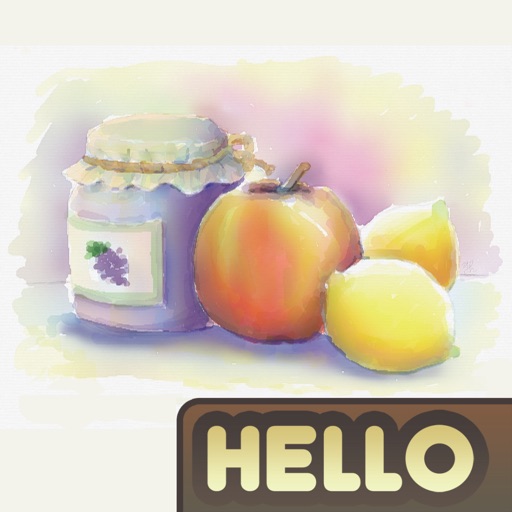
The app simulates watercolor blending and spreading behaviors using fluid simulation technology. It supports techniques like wet-in-wet, wet-in-dry, dry brush, and dry on wet, along with pencil sketching.
Convert text into images using AI. Enhance photos with AI elements. Increase resolution for detailed visuals. Position images with precise control. Edit and refine AI-generated art. Export final designs in various formats.
Find quotes by topic and create custom . Select from solid color, gradient, or photo backgrounds. Choose fonts and customize text with emojis. Adjust size, color, transparency, and layout. Preview and save the design.
Apply filters to photos from the gallery or during capture. Choose from twelve unique styles including cartoon, sketch, and paint effects. Edit images with artistic filters and save or share the modified photos.
Add to photos with customizable fonts and styles. Choose from 250+ fonts and 200+ templates. Include layers for , images, shapes, and stickers. Access a variety of stickers, icons, and quotes. Apply single color or gradient color palettes.
Take photos with customizable stickers. Add team or country colors to your . Share images on Facebook, Instagram, and Twitter. Edit photos with painting effects and stickers. Export and share directly.
Edit photos by applying filters and adding effects. Choose from 11 types and adjust brush sizes for detailed application. Zoom and pan using two fingers, or draw with a single finger. Save and share edited photos directly.
Allows users to color 3D models with HSV/RGB sliders for base, highlight, and shadow adjustments. Features include material controls, instant visual feedback, and saving repeatable color recipes for consistent results.
The app transforms photographs into artwork using an automatic painting tool. Users select a paint style and apply it to their photo, with options for brush size, stroke variation, and color tone.
The app provides selected drawings of princesses for users to color, paint, or doodle. It offers a way to improve imagination, train the brain, and foster creativity with colored pencils and brushes.
Children can animals using finger gestures as if with crayons or colored pencils. Features include a magic brush for automatic painting, color mixing, and creative drawing. The includes a format to teach color combination and foster creativity.