Edit and view song lyrics with chord notations. Transpose chords, change chord shapes, and adjust song keys. Export formatted printouts or PDFs. Store and modify songs using plain text files with syntax.
by Gerald Flossmann★ 0.00 ratingsMusicFreeData updated 2026-09-08
Organize and access PDF files. Search for songs by title. Manage real books, fake books, chord charts, and multi-page scores. View and annotate directly. Share files with other users.
Create and refine song ideas by generating playable chords, building lyrics with a rhyme tool, and looping progressions. Record vocals or audio ideas directly. Sync with other devices for continued .
The app allows users to compose music for various ensembles and offers handwriting recognition with Apple Pencil. Users can import scores, edit notes, and export compositions as PDF, MusicXML, or MIDI files.
The app displays over 600 guitar chords, including majors, minors, 7ths, augmented, and diminished chords. Users can strum chords to hear their sound or individual strings to hear each note, with options for right or left-handed display.
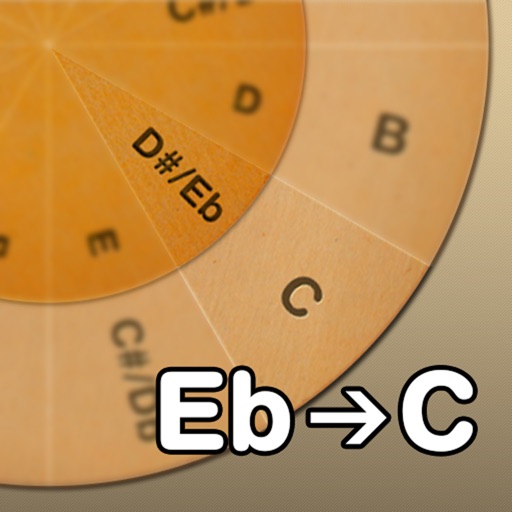
Adjust musical keys by rotating wheels to match original and target keys. Transpose chords for guitar players using capo positions. Modify song pitch to suit vocal range or instrument tuning.
Search for over 1,000,000 song titles. Play and sing along audio files. Adjust pitch and speed of audio. Transpose songs a button. Auto-scroll sheet music during playback. Manage personal sheet music library. Share sheet music others.
The app offers tuning for various string instruments including guitars, ukuleles, and cellos. It features educational games for learning chords and ear training, with modes like Tune Guard™ for safe tuning.
Manage songs with lyrics and sheet music. Playbacks, MIDI files, and videos are supported. Control MIDI devices or be controlled by MIDI. Access songs on-demand during performances. Unlock full version via in- purchase to remove song limit.
Analyze audio songs in the iOS music library to display symbols. View chords in graphical piano keyboard or guitar tab formats. Practice and play songs using displayed chords.
Create and edit chord progressions by selecting keys and chords. Build custom sequences and explore variations. Learn through interactive play and real-time feedback. Export progressions and integrate with music production tools.
Record and organize clips, create and manage mixtapes. Edit with trimming, effects, and tempo control. Share song ideas directly or export files in multiple formats. Collaborate with others in real time.
Learn and practice music intervals, scales, modes, chords, and cadences. Play back examples to understand sounds. Practice with melodic or harmonic exercises. Receive feedback on accuracy. Track progress over time.
Create and edit musical scores with multi-staff and multi-voice editors. Add notes and chords using the Pencil tool. Transpose sections with vertical drag. Use On-Screen piano for quick composition. Select and adjust elements with the Select tool.