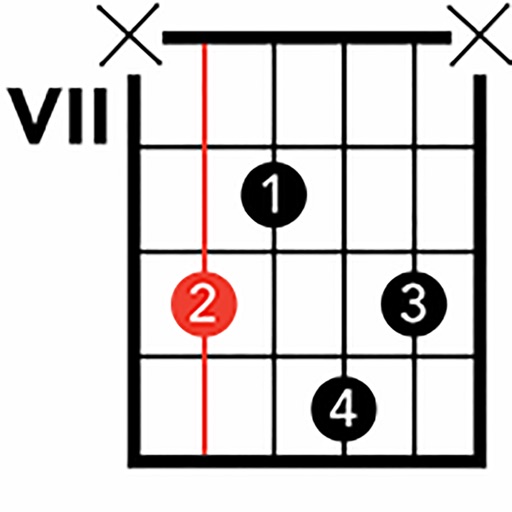
Edit and view song lyrics with chord notations. Transpose chords, change chord shapes, and adjust song keys. Export formatted printouts or PDFs. Store and modify songs using plain text files with syntax.
by Gerald Flossmann★ 0.00 ratingsMusicFreeData updated 2026-09-08
Create and edit progressions with inversions, sus2, sus4, 7th, and 9th chords. Play chords as piano or synth or send MIDI to macOS. Use phone as MIDI keyboard for macOS. Practice reading musical notation.
The app provides a resource for practicing and improving rhythm guitar skills. Users can practice strumming complex rhythm patterns and find grooves for songs.
Create and play music using chord and melody controls. Switch between chords and melodies with one hand. Adjust key and chord progressions. Record and playback performances. Share created songs directly.
Offers a professional with multiple views and high precision. Access guitar lessons, gear reviews, and theory via YouTube integration. Use a flexible and drum machine for practice. Find interactive chords and scales with visual guidance.
Learn guitar notes with interactive educational games. Practice musical ear training, study over 500 chords across the , and explore scales in various positions. Customize tuning and select modes for focused practice.
Create and play chord progressions in various musical styles. Add chords, select instrument tracks, and hit play. Experiment with arrangements and mixes using piano, guitar, synth, bass, and drum tracks.
Create and analyze musical scales and chords by tapping pitches on a virtual keyboard. View them as sheet music on a staff. Transpose scales and chords freely. Explore detailed harmonic properties and relationships.
Learn chords and scales through interactive 3D lessons. View real-time finger placement and arm movements. Practice with built-in metronome and play along with backing tracks. Track progress and adjust lesson difficulty. Share performance recordings.