Create 3D building blocks with color options. Add or remove blocks with a single tap. Rotate blocks using one finger. Pinch to zoom and spin blocks for different views. Save screenshots of creations.
by Paul Hangas★ 4.491 ratingsEducationFreeData updated 2026-09-08
Teach through -themed puzzles and . Use visual blocks to create sequences and solve challenges. Complete levels to progress in the adventure. Encourage logic and problem-solving skills.
Place number blocks on the board by sliding them from below. Group blocks to erase them and clear the board. Features include Stones, 1000 POINTS MODE, and 30+ different game modes.
Move to create rows or columns that sum to 10. Clear the board by matching totals. Score points for successful combinations. Track progress and challenge yourself with increasing difficulty levels.
The app provides a graphically rich environment for learning basic math skills. It offers tools like number lines and wooden blocks to explore problem solutions.
Access and step-by-step tutorials for building 2D and 3D structures with - blocks. View required block counts and colors. Receive regular updates with new content. Requires internet access.
Abc Vietnam telecommunication services company limited
Play blocks and slide to solve puzzles
Play -based sliding puzzles to challenge your brain. Rearrange blocks to reveal hidden pictures. Solve puzzles in different difficulty modes. Track progress and compete with others. Share achievements on social media.
Teaches basic concepts through interactive . Helps children recognize numbers and shapes. Includes counting, sorting, and pattern recognition activities. Features animated dinosaurs and colorful visuals to engage young learners.
Solve math problems with natural textbook input and fraction support. Trace graphs with touch. Zoom using pinch gestures. Tap for regression analysis. Swipe to scroll through calculation history and matrices. Access help via the ? key.
Solve hexagonal puzzles with high-quality graphics. Rearrange pieces to form complete images. Choose from various difficulty levels and themes. Track progress and compete with friends. Share completed puzzles on social media.
Create and edit with images and advanced formatting. Add bulleted lists, bold text, and code blocks. Study offline or on-the-go. Collaborate on and use spaced repetition to improve retention. Export and share directly.
Track visually with a customizable interface. Set and adjust intervals. Receive notifications when is up. Customize colors and labels for different activities. Sync across devices for consistent management.
Drop blocks to form complete lines vertically or horizontally. Clear multiple lines for higher scores. Play without time limits and revisit classic gameplay mechanics.
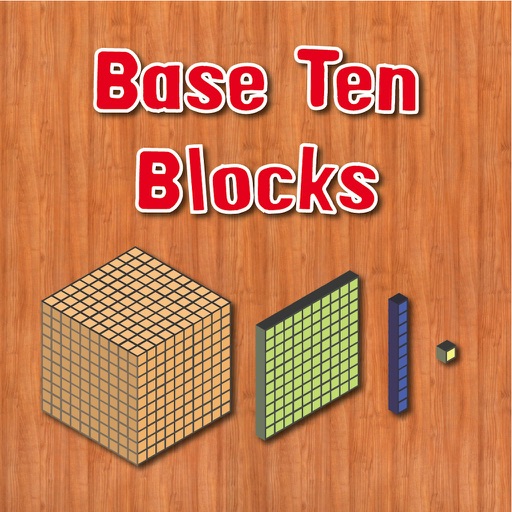
The app allows users to practice place value using base ten blocks. It offers an explore mode to visualize relationships and a test mode for number-based challenges.