

Apps Like FL Studio Mobile for iPhone and iPad
Record, edit, and mix music projects
Create and save multi-track music projects on iPad, iPhone, or Mac. Record and import audio tracks, browse samples with previews, apply effects, and use high-quality synthesizers and drum kits. Edit, mix, and render complete songs.
FL Studio Mobile screenshots
Ranked alternatives
Showing 761–780 of 1,000 ranked alternatives.

Tabs & Notes
Oliver Buecker
Play song tablature and notes.
The app displays and plays song tablature and notes. It is compatible with gp3, gp4, gp5, and gpx files, offering playback with general MIDI sound for practice.


KeyStage Lite
Ali Gokturk
Control instruments with MIDI controllers
Allows users to control multiple hardware and software instruments via MIDI controllers. Organize projects into sections for different song parts. Adjust instrument sounds and parameters within sections.

AU3FX:PeakQ
Kymatica AB
Equalize audio with precise control
Adjust audio with four parametric stereo equalizer bands. Set gain, frequency, and Q for peak filters. Use low-shelf and high-shelf filters with adjustable gain and frequency. Enable or disable each band individually.
VAPolyMkII
Ryo Togawa
Stream audio and control effects
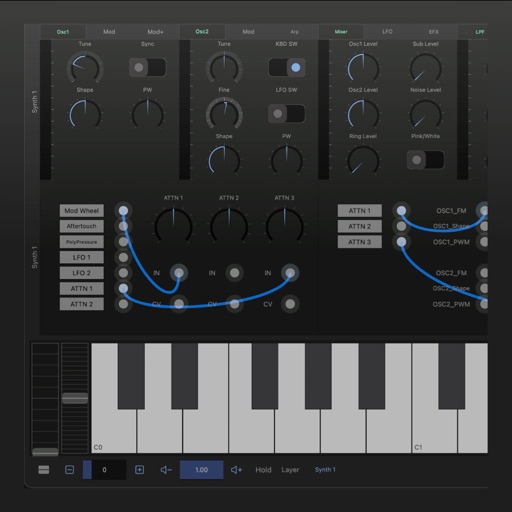
A synthesizer with 16 voice polyphonic capabilities. Users can create sounds using two oscillators per voice, adjust ADSR envelopes, apply filters, and control amplification. Includes effects, a sequencer, and audio visualization.

ME MIDI Sampler
Gianluca Natalini
Create custom audio effects banks.
The app enables users to create a polyphonic keyboard with 84 voices and assign different audio samples to each key. Users can save keyboard configurations and audio effects into infinite sound banks for real-time use.




GridNotes
Jason Pepas
Play piano with grid keys and MIDI
Play piano using a grid-based key layout. Select MIDI voices and adjust scales. Enable sticky keys for practice. Adjust note duration and velocity. Save and load custom configurations.

MIDI Layers
Limelight Software
Layer data across multiple instruments
Enables routing of data within AUv3 hosts. Users can create up to 12 scenes with layered instruments. Each scene supports up to 127 channels. Features include keyboard splits, crossfade transitions, and ensemble layering.
How we rank alternatives
Apps are ranked by functional similarity, category fit, rating confidence, and popularity.