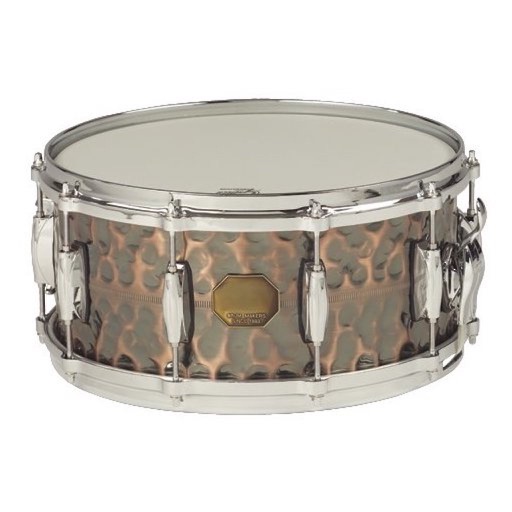
The app provides a single tap beat machine with looping natural PowWow drum samples. The sounds are designed to align the user's mind, body, and spirit, inducing a trance-like meditation.
by Abu Studio Inc★ 3.98 ratingsMusicFreeData updated 2026-09-19
Create and customize drum patterns using synthesis models. Adjust parameters like pitch, timing, and velocity. Layer multiple drum sounds. Export projects and share files. Sync with MIDI devices.
The app allows users to create and remix music by mixing samples and loops. Users can add vocals, drum kits, and melodies, and apply audio effects to their songs.
Create by sliding fingers on a play pad to record and adjust drum , melodies, and bass lines. Edit tracks in real time and export audio files for sharing or further use.
Create and play with real recordings. Copy to DAWs like Garageband or Cubasis. Use Audiobus and Inter Audio for integration. Sync with DAW tempo. Includes live performances and high-quality microphone recordings.
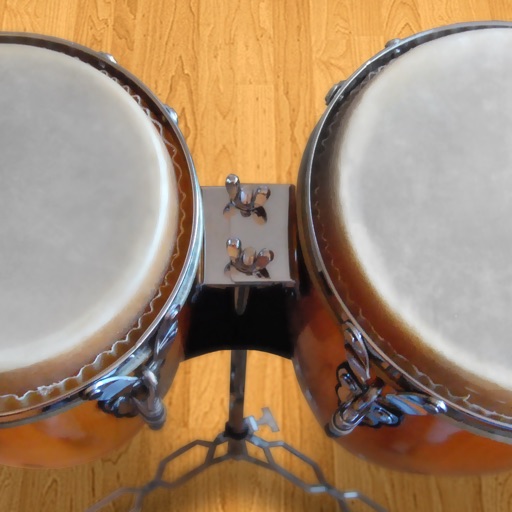
Play conga drums with 18 professionally recorded and mastered sound samples. Include cowbell and sticks for additional percussion. Adjust playing with no latency. Optimized for iPhone and iPad speakers and headphones.
Create and customize music tracks by combining classic songs with hip-hop beats. piano-style melodies using touch-based tiles. Explore different genres like dance and pop. Add effects and arrange beats to create original compositions.
Create using professional-quality audio samples and machines. Access a variety of instruments and effects for sound design. Explore genres like hip-hop, trap, and dubstep.
Create sequences by tapping on sound samples like Snare, Hi-Hat, and Clap. Adjust tempo (bpm) to control speed. Build sound patterns by arranging samples in a grid. Save and export created sequences.
Create and customize music with a variety of instruments including drums, guitar, piano, and percussion. Set tempo via screen tapping with algorithmic support. Jam with rhythm tracks and filter by BPM, genre, and measure.
Tap the iPhone screen to play drums with a simple drum kit. Choose from 30 instrument sounds including snares, cymbals, tomtoms, and hand-claps. Adjust volume for each instrument. Customize instrument layout in 2x2 or 3x3 grid.
Play music with a 3D kit and AR kit for immersive practice. Use Beat Pad to control keyboard and pads on one screen. Access hundreds of loops across genres and eight studio-quality sets. Download additional sound banks and use MIDI functionality.