Apps Like Doodle Rainbow for iPad for iPhone and iPad
Draw and paint with funny sounds
Draw with a pen or apply colorful stamps. Tap to change background colors between white and black. Save drawings, erase, or retry. Play sounds when using stamps or drawing lines.
by PICxPIC, Inc.★ 4.3292 ratingsEducationFreeData updated 2026-09-08
Children can create drawings using a variety of brushes, including fluorescent and graffiti styles. They can paint freely with colorful tools. The provides a creative environment for learning to draw and explore artistic expression.
Access a collection of over 70 sounds for various purposes. Play sounds for games, notifications, or as a flashlight using the device's camera LED. Enable a large button mode for quick access to the last used sound.
And drawing allows users to select from 100+ images featuring girls, princesses, animals, dinosaurs, and cars. Users can apply nine brushes including neon glow and rainbow. Record drawings as animation clips.
Create and edit digital art with brush tools, layers, and color blending. Import photos and sketches. Adjust brightness, contrast, and saturation. Add text and shapes. Export artwork in various formats and share directly.
Create drawings and paintings using a variety of colors and brushes. Select from pre-drawn shapes and stickers. Save artwork to device storage. Share creations via social media or email.
The app provides a virtual coloring and painting book for children. It includes over 50 car-themed coloring pages and a free drawing mode where kids can create their own pictures.
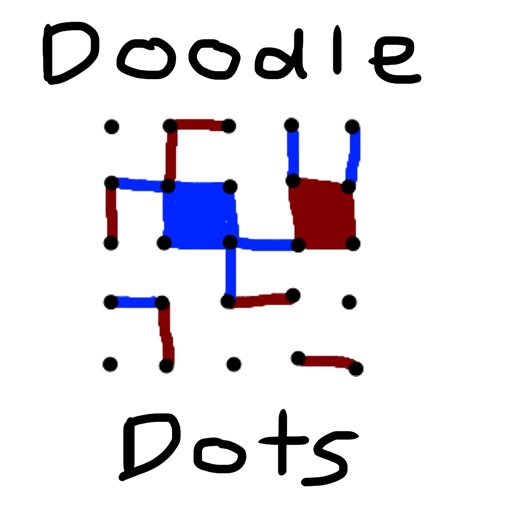
The app provides a digital version of the pencil and paper game Dots. Players connect dots to complete squares, aiming to fill more squares than their opponent.
The app provides custom-designed drawing tools that simulate real art supplies. Users can share their creations or save them for later, with options for interaction through likes and following.
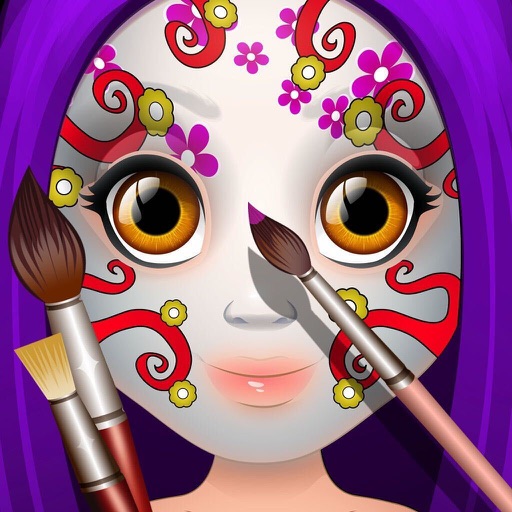
Create paintings by selecting colors or designs, then applying them to a character's with a finger. Choose from sparkly, gold, and silver paints. Customize characters and save or share creations.
PLAY AND LEARN EDUCATIONAL GAMES FOR KIDS PLEI END LERN EDYUKESHINAL GEIMS FO KIDS, TOO
Draw, paint, and create with fun animals
Draw with brushes, markers, or crayons on various pages. Trace shadows to identify animals. Tap blocks to create pixel art. Collect stickers. Paint with vibrant colors and patterns. Choose from multiple pages.
Convert photos to colored or black and white sketches using 7 available effects. Choose a photo from the library or take a new one. Apply a effect and save the result to the device. No internet connection is required.
Read and manage from PDF, image, text, and MIDI files. Import scores via camera, photos, or files. Organize by title, artist, and setlist. View scores in horizontal, vertical, or two-page modes. Annotate with pen, text, shapes, and stamps.
Play to prank friends or create a spooky atmosphere. Choose from a variety of chilling sounds like creepy laughter and terrifying noises. Tap to trigger sounds or set them as ringtones. Sync with other devices for group pranks.
Write letters, practice strokes, improve structure
Practice to improve handwriting through structured letter formation and proportions. Write larger letters for accurate curves and lines. Track progress with practice sessions and receive feedback on letter quality.
Learn to draw any subject with customizable color tools. Adjust settings for pencils, pastels, and brushes. Save artwork to camera roll and share on Facebook or Twitter.