The app simulates standard radio waves used by Japanese radio clocks. It outputs a 13.3kHz audio signal to synchronize time using its third harmonic frequency.
by Tomoki Sekiyama★ 4.218 ratingsUtilitiesFreeData updated 2026-09-18
The app presents a two-sided puzzle with nine clocks on each side. The objective is to set all clocks to 12 o'clock simultaneously using four corner wheels and four middle buttons that control clock rotation.
Customize mode with personalized widgets, icons, and themes. Set wallpapers, clocks, and weather displays. Choose from multiple themes and icon packs. Syncs with iOS 17+ for full functionality.
Learn PLC basics through interactive lessons and a simulator. Explore block diagrams and experiment with programming. Use 3 timers, 2 counters, 6 compare instructions, 2 binary outputs, and 3 RES outputs.
The app prepares users for the Technician Class FCC Amateur Radio License exam. It offers study tools, topic quizzes, and simulated exams based on the official question pool, with performance tracking.
Record time with customizable clock styles including flip, digital, and classical designs. Choose from smooth rotation, second hand sound, and elegant dials. Track time for daily use, study sessions, or focus exercises.
Stream Catholic music and radio shows featuring Gregorian chants and modern Catholic songs. Access Scripture, pray with devotionals and Mass, explore Church history, and watch Catholic apologetics videos. Listen to live and on-demand content.
Perform complex calculations using 12 built-in calculators including scientific, financial, and unit conversion tools. Input formulas with three modes: standard, string, and RPN.
Route audio or MIDI between compatible using virtual cables. Apply effects to synthesizers or sequencers. Control multiple with a single interface for live performances and production.
The app provides practice questions and exams for the Technician class amateur radio license. It identifies areas needing further practice and allows users to review FCC rule text.
Search for podcasts using the iTunes API. Play audio one at a time with background playback. Cache downloaded audio within the . Automatically queue the next . Adjust playback speed settings.
Simulate nuclear explosions and calculate affected areas
Calculate radiation radius and casualties based on nuclear weapon yields. Input explosion details to estimate affected areas. Display results for evacuation planning and educational purposes.
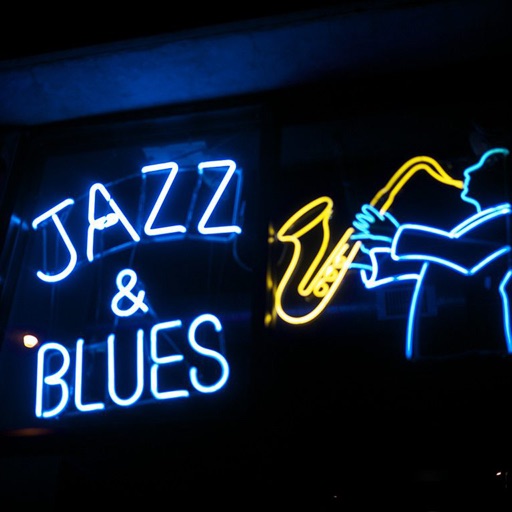
Stream music from over 80 live and blues radio channels. Add favorite stations and adjust volume. Use 9-band graphic equalizer with predefined setups. Auto-replay last channel on startup. Control playback from headphone buttons. Run in background.
Nd play test tones including sine, rectangular, triangular, and sawtooth waves. Create and play frequency sweep tones in ascending and descending directions. Adjust frequency, amplitude, and duration settings.
Adjust radio parameters via Bluetooth connection. Modify frequency, volume, and channel settings. Save and recall configurations. Sync settings with paired devices.
Access live radio streams, watch videos, and listen to podcasts. View latest news and current events. Set reminders for daily devotionals and track prayer requests. Sync with other platforms.
Listen to live radio broadcasts from . Stream audio content on-demand. Access show schedules and artist information. Subscribe to alerts for upcoming events and special programs.
Manage movies, documentaries, and TV series across multiple instances. Browse upcoming releases, receive notifications, and view activity logs. Customize appearance and synchronize settings between devices.
Perform calculations using a basic, scientific, currency, and units calculator. View calculation history, convert numbers to speech, and synchronize results across all calculator modes.