The app transforms a device into a sampler sequencer. Users can record or import sounds, which the app assigns to a virtual keyboard across multiple octaves.
by Gianluca Natalini★ 2.33 ratingsMusic$1.99Data updated 2026-09-18
Create and explore drum sounds using algorithms. Generate unique sets of 12 drums with 8-character codes. Save, copy, or paste codes for later use. Access sounds via AUv3 and Audiobus.
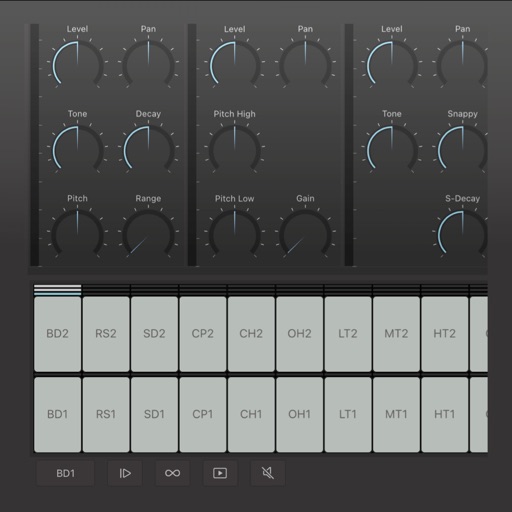
Create and edit drum patterns using 27 drum voices. Apply effects like delay, chorus, and reverb. Automate parameters and sequence 16-bar patterns. Save and load project files for later editing.
Create and play chord progressions in various musical styles. Add chords, select instrument tracks, and hit play. Experiment with arrangements and mixes using piano, guitar, synth, bass, and drum tracks.
Record audio or video to create with on-device AI analysis. Extract , beats, , and MIDI tracks. Import audio files in various formats. Sync across devices and store them securely.
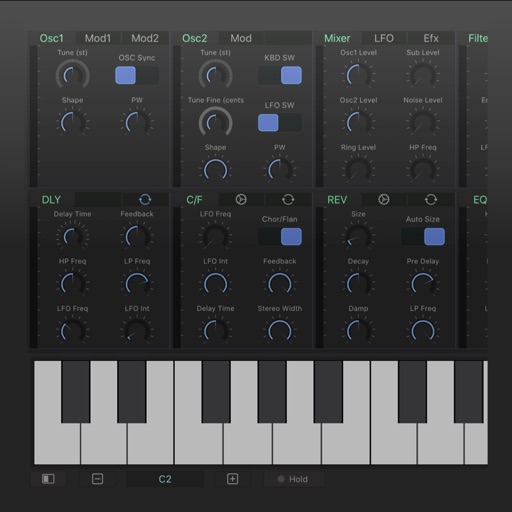
Create and design synthesizers with modular patches. Adjust audio parameters in real time. Export sounds and share projects. Use professional-grade tools for live performance and experimentation.
Learn to play the with interactive charts and real-time sound demonstrations. Choose from piccolo, , alto , or bass . View finger positions, listen to notes, and access lesson tutorials for structured practice.
Create and manipulate audio using a variety of experimental instruments and sound sources. Adjust parameters to shape noise . Export audio files and integrate with digital audio workstations.
Apply audio filters with 21 types including lowpass, bandpass, and comb. Adjust filter slopes up to 48 dB using SVF, diode ladder, and transistor ladder. Add distortions and modulations for sound effects. Output processed audio files.
Create and edit complex rhythmic patterns with independent sequence lengths for each drum voice. Generate polyrhythms and polymeters. Export sequences for use in AUv3 hosts or external drum machines.
Create beats using presets and samples for genres like Trap and House. Record tracks and edit sequences. Compete with friends via -making challenges. Customize with color-coded controls for easy navigation.
Create beats using step sequencers and pads. Sample sounds from Roland TR and MPC machines. Mix tracks with a built-in mixer. Record and play back custom patterns. Adjust tempo and rhythm settings. Export and share finished projects.