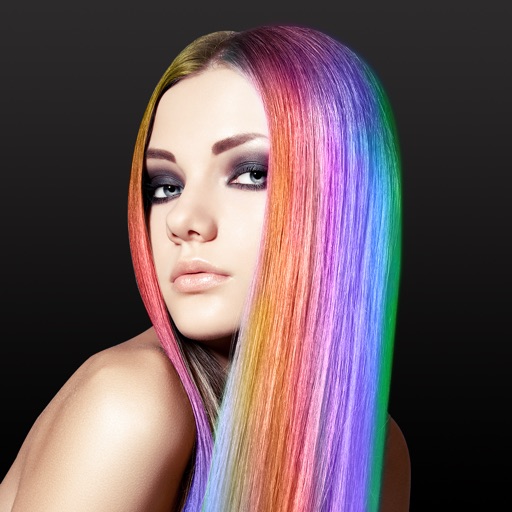
The app offers various painting strokes and color options, including continuous and gradient color changes. Users can paint on different backgrounds, their own pictures, and add characters or frames.
by ABCiSoft★ 1.01 ratingsEntertainment$1.99Data updated 2026-09-18
Shanghai Zongchong Information Technology Co., Ltd
Capture moments with AI suggestions
Allows users to capture photos with AI-powered recommendations. The analyzes lighting, colors, and subject matter to suggest tailored templates. Users can apply these templates to their images for precise and visually appealing proof of capture.
Create oil paintings from photos with brush stroke effects, color blending, and texture layers. Adjust lighting and shadows. Save and share final artwork in high resolution.
Merge photos into artistic compositions by selectively editing and combining image elements. Remove or re-add parts using finger painting techniques. Adjust brush settings for precise control.
Edit images with brightness, contrast, and other adjustment tools. Import photos and place them in customizable Story templates. Create gradients and use the dropper tool to match colors. Share edited content directly to Instagram .
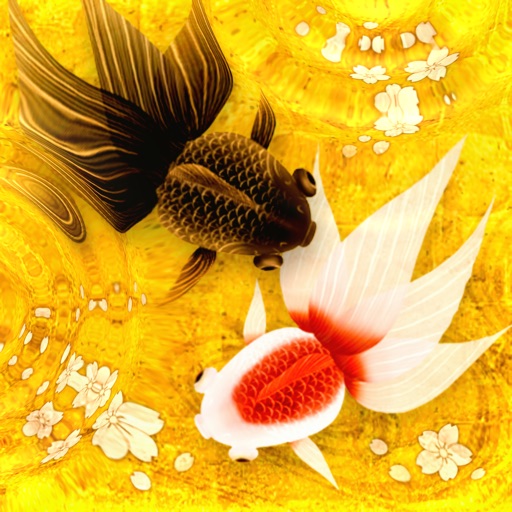
Draw and animate in a Japanese painting style. Swim through clear water with realistic movement. Scatter flower-shaped bait to interact with the environment. Relax by observing the gentle motion and serene setting.
The app provides a digital whiteboard experience for drawing and sketching. It offers multiple marker colors and tip sizes, with undo/redo functionality and the ability to save drawings.
The app provides a drawing experience with colorful stamps and rainbow lines that trigger sounds. Users can save their creations, clear the canvas with trash and eraser buttons, and choose between white and black backgrounds.
Create artwork by selecting up to 300x300 stitches and 128 colors. Place stitches by tapping, paint by number, and save progress. Import images for custom designs. Stitch adjacent plaids in 3x3 grids. View completed patterns and export as images.
Create drawings using bright colors and various brushes, glows, hearts, dots, and stars. Paint and record your sessions to review your artwork. Access pro features via optional subscriptions.
Create collages by combining multiple photos and videos into framed cells. Add rounded corners, shadows, and patterns. Choose from 500+ adjustable frames. Use an easy color picker for customization.
Edit photos with skin smoothing and whitening features. Adjust enhancement levels from 1 to 8. Apply 12 unique filters for enhanced selfies. Add makeup tools for detailed facial enhancements. Save and share edited images directly.
Add to photos with customizable fonts and styles. Choose from 250+ fonts and 200+ templates. Include layers for , images, shapes, and stickers. Access a variety of stickers, icons, and quotes. Apply single color or gradient color palettes.
Create and customize digital art with a wide range of brushes, colors, and patterns. Import images to or use pre-designed illustrations. Save and share artwork. Adjust brush size and opacity. Layer elements for detailed compositions.