To with guided lessons that show real strokes from professional artists. Practice step-by-step techniques to build confidence and accuracy. Use Apple Pencil for precise input and track progress through interactive exercises.
Calculate and communicate project measurements easily.
The app allows users to calculate and communicate project measurements. It connects to a RIDGID LM-400 Laser Distance Meter via Bluetooth for precise measurements and works in drawing or photo overlay modes.
Create digital art with natural-media brushes and exclusive media types. Sketch, draw, and paint on a blank canvas. Transform photos into artwork using AI and cloning tools. Access advanced features with a subscription.
Provides access to a wide range of special characters including Greek alphabet, numbers, math symbols, bullets, and letterlike symbols. Tap to copy characters to the clipboard and paste them into any application.
Use the to project real-time grids and guidelines for precise . Adjust grid size, opacity, and angle. Import sketches or paintings for reference. Save and export artwork in various formats. Sync drawings across devices.
The app offers tools to enhance photos with filters, adjust brightness, contrast, saturation, and warmth. It also provides options to crop, flip, rotate, and straighten images.
The app provides tools for creating sketches, doodles, drawings, and notes. It includes features like sketch paper, color pencils, erasers, a magnifying glass, smudge finger, and water blur.
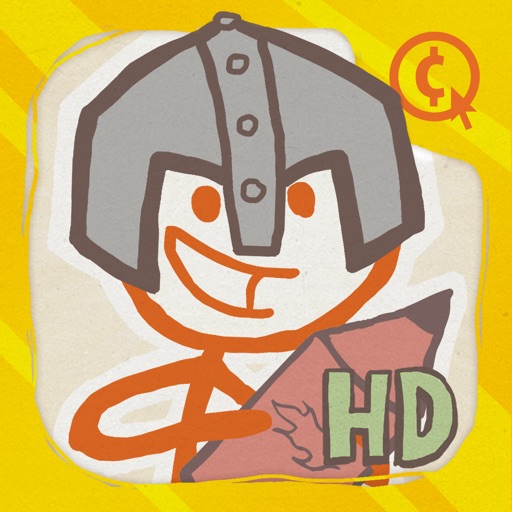
Create a stick man hero by drawing and doodling. Design a friend for the hero and name them. Navigate cartoon obstacles and defeat the evil stick man Zarp. Customize characters and progress through levels.
Create and customize a by drawing and planting flowers. All doodles grow into colorful plants and mushrooms. Choose from over 60 plant types. Add sparkles and decorative elements. Share completed designs.
Allows users to draw grids over images for precise copying, scaling, and tracing. Features include adjustable sizes, reference image overlay, and zoom capabilities. Users can export drawings and share files directly.
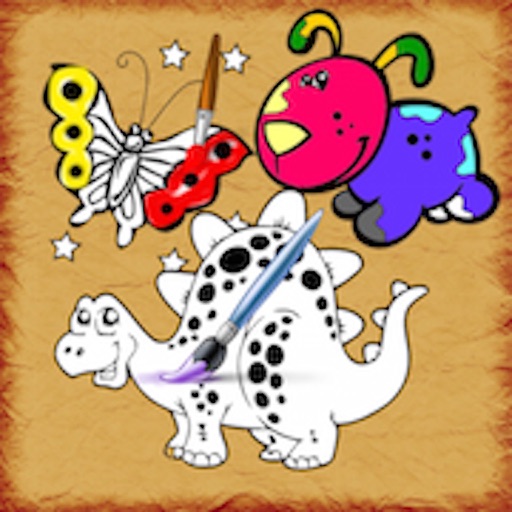
Create and customize drawings with a variety of colors and brushes. Use preloaded templates for coloring or draw freely. Save and share completed artwork. Adjust brush size and opacity for detailed work.
Use AR camera to trace and sketch projected lines onto paper. Draw over real-world objects with digital ink. Save and share artwork directly. Adjust line thickness and color. Export drawings in multiple formats.
The app allows users to create rapidly executed freehand drawings. These drawings can record observations, develop ideas, or demonstrate concepts for later use.
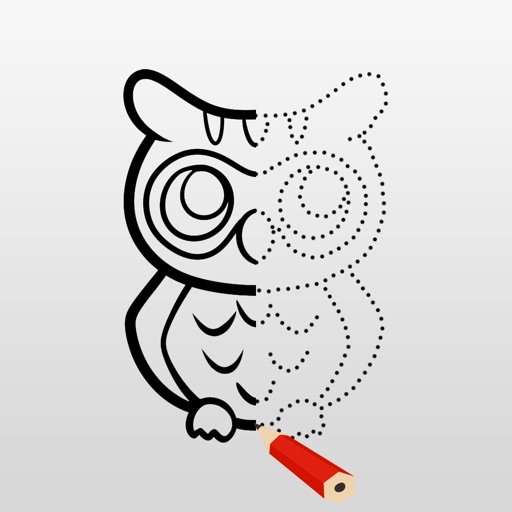
Allows users to trace images from photos or built-in libraries. Features include applying filters to enhance accuracy, selecting and adjusting images, and creating one-of-a-kind drawings on paper.
The app provides tools for creating sketches, doodles, drawings, and notes. Users can record video of their painting process or narrate a completed book.