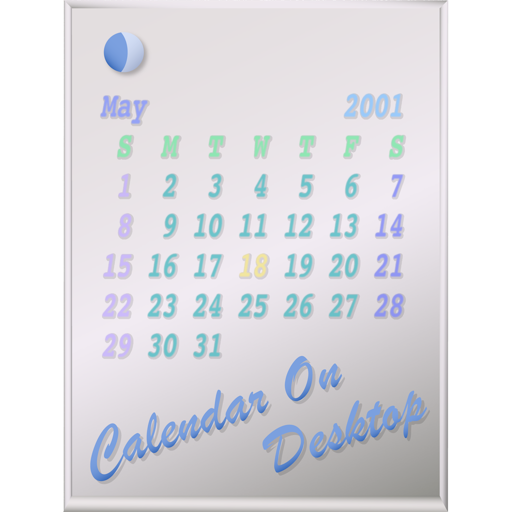
The app displays calendars on the user's Mac desktop. It allows users to move, resize, and customize the calendar's appearance, including displaying multiple months and iCal events.
by Takashi Hamada★ 0.00 ratingsUtilities$2.99Data updated 2026-09-18
The app displays a clock, calendar, and iCal task list with a customizable 3D rotating galaxy background. Users can adjust the galaxy's perspective, angle, speed, and size, and enjoy ambient space sounds.
Use iPad as an external display for Mac or PC. Connect and control devices wirelessly. Adjust screen layout and resize windows. Share files and copy text between devices. Support for multiple monitors and drag-and-drop functionality.
Manage tasks and events with a paper-style calendar. Switch between multiple views and orientations. Customize with over 20 themes. Add and organize events. Set reminders and track progress. Sync across devices.
Planner allows users to create and manage complex schedules. Track changes and plan off days. View schedules quickly with a simple interface. Sync across devices and set reminders for upcoming shifts.
View a vertical calendar for daily scheduling. Add memos for each day with options for heading-only or full text display. Attach up to five sticky notes per date for notes or reminders. Choose from casual or landmark-style sticky note designs.
Create reminders and to-do lists with customizable icons, colors, and subtasks. View calendars and manage tasks with detailed notes. Sync across devices and organize daily schedules visually.
View holidays and with detailed descriptions. Search by date or name. Add favorites and sync to calendar. Learn origins and discover upcoming global events.
Displays Hijri and Gregorian dates alongside a stand clock. Converts between Hijri and Gregorian dates. Shows moon phases for any date. Tracks major events and festivals. Supports Retina and iPhone 5 screen graphics.
View upcoming events with a week widget showing 3 to 7 days and a day widget for today or tomorrow. Scroll through multiple widget pages on the home screen. Customize widget colors, backgrounds, and event styles.
Sync calendars, set priorities, mark reminders done
Manage calendars and reminders by syncing with phone calendars, selecting which ones to display, and setting priorities for conflicting events. Mark reminders as done on the . View next event on Siri face.
Customize desktop with , wallpapers, and . Add messages and emojis to others' screens. Capture and share photos instantly. Sync with Apple Health for workout tracking. Monitor steps, calories, and sleep. Set daily goals and view progress charts.
Manage tasks, schedules, and activities across devices
Manage tasks and schedules across multiple devices and users. Assign activities to family members for organized coordination. Create smart lists and access desktop widgets for quick updates. Track important events with clear overviews.
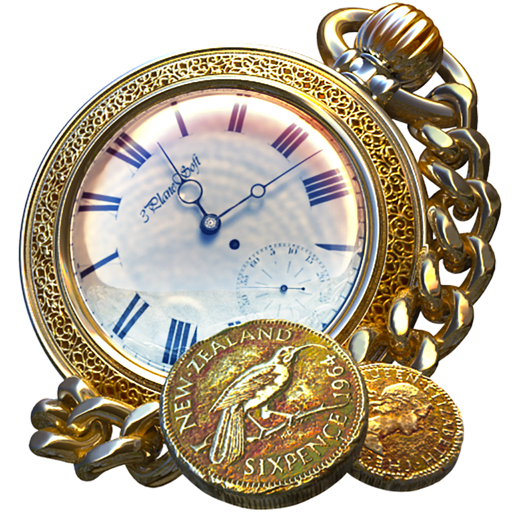
The app displays a golden watch with realistic 3D water simulation. It includes a locket with a user's photo, two color schemes, and shows the current time and date.
entwicklungsschmiede UG (haftungsbeschraenkt) & Co. KG
View appointments, tasks, and weather
View current appointments, events, tasks, and birthdays on a dashboard. Check weather and monthly overview at a glance. Add events and tasks with predefined settings and simple controls. Sync calendars and manage reminders efficiently.
Plan social events by checking friends' calendars for availability. Invite others to events and discuss details in group chats. Vote on destinations, assign tasks, keep notes, build polls, and track shared expenses.