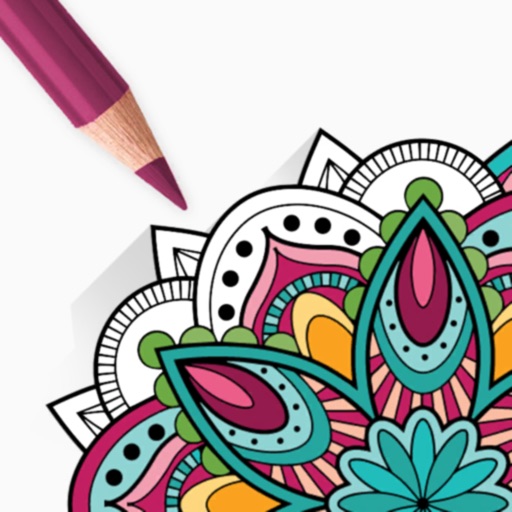
Allows users to paint and the Family using rainbow brushes and glitter pencils. Includes 200+ pages with themes like animals, cars, and dinosaurs. Features mandala drawing games and interactive activities.
View original artwork and new images weekly featuring themes like fairies, cats, and mandalas. Apply anti-stress colors and filters to customize pictures. Share creations on Instagram or Facebook. Explore simple and complex visuals to match mood.
Pages allow users to select and customize colors for each section. Features include saving progress, sharing completed artwork, and accessing a library of themed pages. Users can zoom in for detailed and adjust brush sizes for precision.
Create artworks using custom palettes and handcrafted illustrations. Select from themed galleries including Mandalas, Animals, Flowers, and more. Choose schemes designed by artists. Save and share completed drawings.
Create animated swirling patterns and kaleidoscope artworks. Select from various brush styles and color palettes. Adjust speed and symmetry settings. Save and share generated artwork. Relax through interactive, meditative visuals.
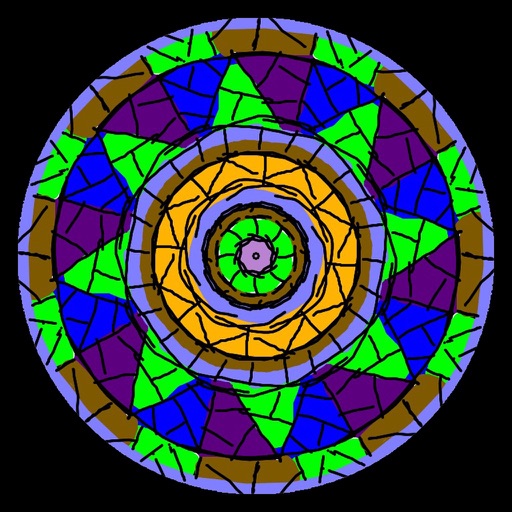
Create intricate symmetrical patterns by swiping fingers across the screen. Design limitless mandalas with customizable colors and shapes. Explore creative possibilities for logos or tattoos. Save and share finished designs.
Create stickmen using drawing tools and customize appearances. Navigate a storybook world with puzzles and mysteries. Unlock secrets, collect drawings, and share creations. Add sound effects and animations to drawings. Save and revisit progress.
Images using a smart palette and blending mode. Choose from mandalas, florals, animals, and patterns. Create custom designs or by number. Export finished artwork to PDF. Quick access to numbers via tap and hold.
Create and share digital art customizable brushes, unlimited colors, and layer support. Zoom, pan, and adjust brush parameters. Rotate, mirror, and undo steps. Participate in challenges like tracing or completing others' drawings.
Create realistic artwork with pencil, brush, pen, and marker tools. Import images as layers and edit with eraser, ruler, compass, and other tools. Add stickers and use layer management for detailed painting and design.
Create pixel art by tapping and coloring by number. Select from a bright color palette to match designs. Access a wide variety of original, high-quality images. Save and share completed artwork.