Create animations with drawing tools, color options, and frame management. Import images or draw directly. Export and share animations on Cineverse. View progress and refine frames for detailed editing.
Analyze face shape and seasonal color palette to recommend hairstyles and makeup. Preview hair styles and generate AI videos. Create avatars and apply stylistic transformations to photos.
Edit Minecraft skins with advanced tools including smart colors, simple body selection, copy and paste, color dropper, editing grid, eraser, and multiple brush sizes. Apply changes instantly in Java . Edit offline and undo actions quickly.
Create custom charts for crafts like cross stitch, bead weaving, knitting, and pixel art. Draw dotted images and design patterns with an intuitive touch interface. Export charts for use in projects.
Create and edit drawings with over 20 colors and adjustable brush sizes. Save drawings and their creation process in a built-in gallery. Replay or resume drawings at any time. Draw on iPhone, iPad, or iPod Touch.
Coloring "Access a variety of printable coloring pages. Customize colors and patterns. Save and share completed artwork. Track progress and revisit saved sessions."
Remove with automatic portrait recognition or brush matting tools. Choose from multiple shape options for precise masking. Add color line strokes to edited areas. Export modified images directly.
Allows users to color pictures by numbers or custom designs. Users can select from various images, choose colors, and fill in sections to create artwork. Completed drawings can be saved or shared.
Load and edit images from the device or built-in library. Adjust parameters to create Mandalas. Animate Mandalas. Export finished designs. Share artwork directly.
Convert photos into AI-generated line-art illustrations for . Apply dreamy palettes, gradients, and effects. Save and share finished artwork. No paper or cleanup required.
Nd save daily color palettes based on algorithms. Customize palette generation settings. Create discrete or smooth palettes with adjustable quality. Export palettes as PNG images. Support sRGB and Display P3 color spaces.
Edit photos with effect and features. backgrounds and apply black-and-white conversion. Select areas for contrast. Zoom with two-finger pinching. Adjust brush size, opacity, and offset. Export edited images.
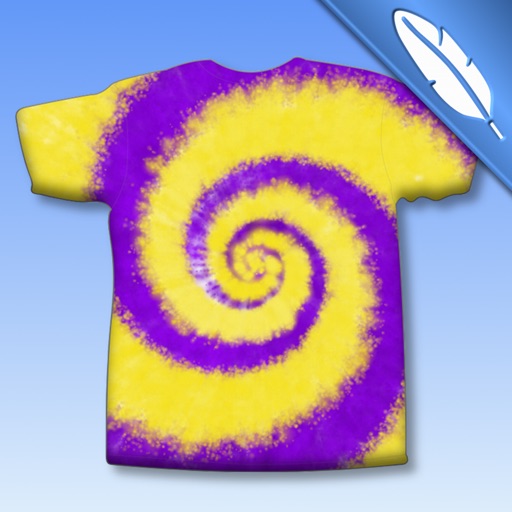
Create tie-dye designs by selecting a shirt, folding it, placing rubber bands, and applying colors. Customize with fabric paints, glitter, rhinestones, and appliqués. Try on virtual models, save designs to a photo album, and email them.
Create detailed artwork with realistic brushes and watercolor effects. Scale canvas up to 64 times with precise grid and pixel-level accuracy. Use over 80 brushes, erasers, smearing tools, rulers, cutters, fill tools, and color pickers.