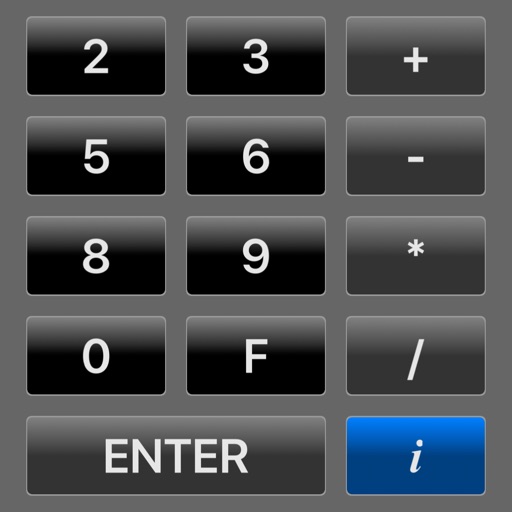
Simulate the HP-45 scientific calculator with photo-realistic visuals and animated keys. Perform all original functions and operations. Access a secret timer for 12-hour or 100-hour intervals. Switch to Super-45 mode for enhanced capabilities.
by Willy Kunz★ 4.86 ratingsProductivity$2.99Data updated 2026-09-08
Allows users to graph mathematical equations in 2D, 3D, and 4D with animations. It supports vectors, matrices, trigonometric functions, and complex numbers. Users can plot cartesian, polar, and parametric equations.
Performs basic and scientific calculations. View and share calculation history. Switch between landscape and portrait modes. Choose from customizable themes to personalize the interface.
Calculator with large keys and 4 basic functions for use. Review entries using tape, add comments, timestamp, and email numbers. Bring past entries into current calculations.
Solve equations with addition, subtraction, multiplication, and division. View step-by-step working to understand solutions. Handle mixed and partial fractions. Convert between decimals and fractions. Find factors of numbers or common factors.
Perform complex calculations with scientific, graphing, and programmer modes. View graphs and equations. Use the Today widget for quick access. Unlock advanced features with in- purchases. Reinstall to reset trial periods.
Perform complex mathematical calculations with up to 15 digits of decimal precision. Handle large numbers without ellipsis. Save and reuse calculation equations. Access calculation history even after closing the .
Perform complex calculations using RPN input. Access advanced mathematical functions and programming capabilities. Store and recall values with memory registers. Use a redesigned interface for enhanced usability.
Perform basic arithmetic, scientific calculations, and programmer-specific conversions. Save results to a history log. Switch between different calculation modes and unit conversions.
Perform basic and scientific calculations with equation display and history tracking. Switch between binary, octal, decimal, and hexadecimal modes. Calculate fractions directly. Use widget for quick computations.
Create circuits using logic gates and basic building blocks. Wire components on a flexible plane. Simulate real-time behavior. Learn fundamental concepts of engineering and computer science.
Calculates with multiple modes and customizable settings
The app provides multiple calculation modes for various mathematical tasks. The app includes customizable interfaces and widgets for convenient use across devices.
Solves matrices with calculations like inversion, determinant, and decomposition. Explains each of algorithms. Offers interactive geometric visuals. Includes tutorials with proofs and links to related topics for Linear Algebra concepts.
Allows users to perform basic and advanced mathematical operations. It includes a sidebar and tab bar for navigation and data sharing. Users can drag and drop entries to create new windows or use the context menu to generate new windows.
With history tape, real and complex number support, angle modes including radians and degrees. Calculates astronomical constants and supports minutes, seconds, and grads.
Perform basic and complex calculations with a minimalist interface. Large buttons and a display show current input and calculation history. Supports portrait and landscape orientation. Includes AI-powered problem-solving for advanced operations.
Perform complex calculations with RPN and algebraic input. Handle arbitrary precision, complex numbers, and multiple bases. Work with vectors, matrices, and text. Solve equations symbolically and numerically. Graph functions and plot data.