Teach children to draw and color step-by-step through guided coloring . Select from segmented images with pre-chosen color palettes. Encourage creativity with interactive features and music support.
Children can freely using a virtual notebook with crayons and brushes. They can sketch shapes, experiment with colors, and create without limits or templates.
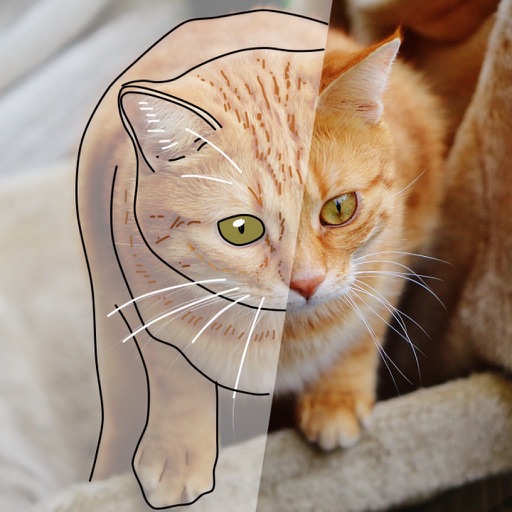
Over image templates with automatic pen tracking for accurate . Select from preloaded categories like animals, flowers, and vehicles. Choose from over 150 colors to customize drawings. Export final artwork in various formats.
Create and animate drawings of characters like butterflies, frogs, and hedgehogs. Use drawing tools to sketch step by step. Watch creations animate and share drawings with others.
Teaches children to draw with 27 colors and 8 pen types. Allows continuation of previous drawings. Includes calming music. Focuses on fine motor skill development and creativity. No ads or third-party data collection. Parents can monitor safe usage.
Teaches phonics, spelling, sight words, and ABC basics through interactive games. Includes shape and color recognition activities. Promotes memory, vocabulary, and critical thinking skills. Allows self-paced with Montessori-inspired exploration.
The app develops a child's creativity by allowing them to draw with colors and create music. It helps children perceive links between color, sound, and shape, offering a unique sensorial experience.
Help children practice numbers and drawing shapes through exercises. Include features for family names and creating drawings. Boosts creativity and confidence with interactive activities.
On , blank canvas, or images using pen, line, arrow, and shape tools. Edit photos with filters, adjustments, effects, and cropping. Customize tool size and opacity. Add text, stickers, and emotions. Export drawings in various formats.
Images using customizable tools and colors, save creations to your photo library. Write notes as images and store them. Edit photos basic tools and save results.
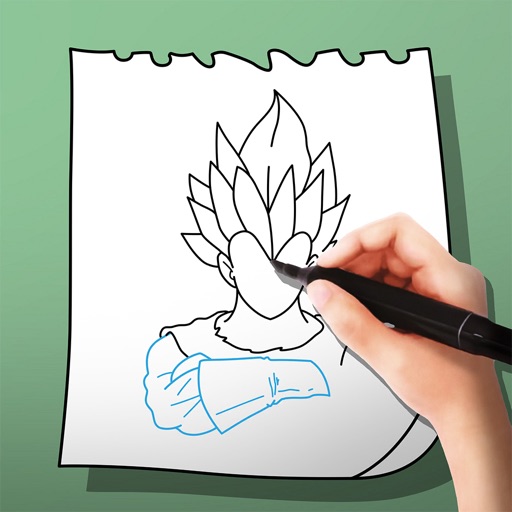
Learn to characters with structured tutorials and -by- guidance. Access hundreds of drawing images for practice. Identify and improve weak areas through visual examples. Follow lessons from basics to advanced techniques.
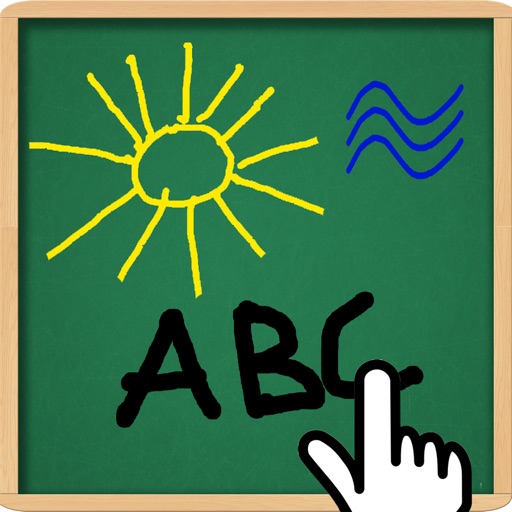
The app allows users to draw and write on their iPad, functioning as a notepad or blackboard. Users can add typed text, choose background colors, and save or share their creations via email or social media.
Color pictures with realistic painting tools and save work. Draw on blank pages with easy zoom features. Watch video replays of funny drawings. Access a variety of pages for creative expression.
Sketching and doodling apps offer tools for creating and editing drawings. Users can choose between sketching, doodling, or learning through kid-friendly features. Apps include drawing pads, color tools, and interactive learning options for children.
Mosaic allows children to arrange colorful pegs to create patterns, enhancing creativity and fine motor skills. Memory Match helps improve recall by matching pairs of images. Number Train teaches counting and sequencing through interactive puzzles.