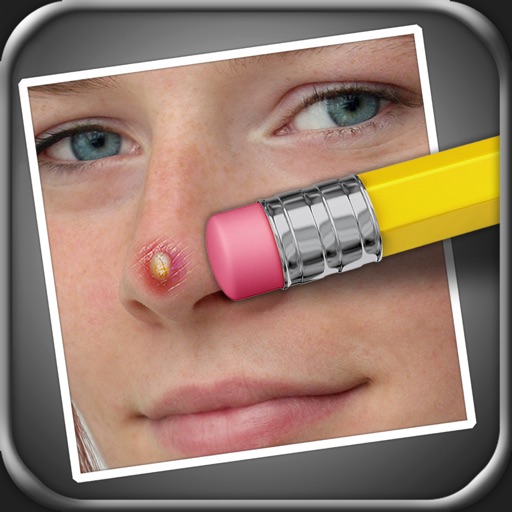
The app allows users to remove blemishes like pimples, moles, and scars from photos. Users can select areas to edit, and the app processes the image to create a natural appearance.
by Black Frog Industries, LLC★ 4.526 ratingsPhoto & Video$0.99Data updated 2026-11-07
Edit photos with AI-powered filters, face swapping, and style transformations. Create art in anime, surreal, or modern styles. Generate business headshots with AI. Export and share edited content directly.
Edit photos with facial adjustment tools for eyes, nose, lips, eyebrows, and jawline. Retouch skin, whiten teeth, and remove dark circles. Apply makeup with customizable options. Adjust backgrounds and export in multiple formats.
Remove with automatic portrait recognition or brush matting tools. Choose from multiple shape options for precise masking. Add color line strokes to edited areas. Export modified images directly.
Remove people from photos using AI-powered editing. Select and erase unwanted individuals or backgrounds. Adjust and refine the result for natural appearances. Save and share edited images directly.
Objects, people, or blemishes from photos. Edit backgrounds and save as PNG or JPG. Crop images, add text, filters, logos, or watermarks. Use one-click background removal and clipping tools.
Edit photos with tools like Pen, Line, Arrow, and Rectangles. Apply filters, effects, and enhancements. Add text, stickers, and adjust lighting and color. Remove blemishes and red-eye. Crop and resize images.
Remove unwanted parts of photos using precise erasing tools. Change backgrounds with the feature. Undo actions or restore previous edits. Zoom for detailed adjustments and blur edges. Save and share edited images directly.
AI Photo improves blurry, old, or low-quality images using AI to remove blur and enhance details. Image restoration tools repair damaged photos. Facial analysis evaluates beauty with accuracy. Users can adjust brightness, contrast, and color.
Edit photos with AI-powered enhancements, including noise reduction, color correction, and sharpness adjustments. Remove blur and improve lighting. Export enhanced images in high resolution and share directly.
Edit photos with AI-powered background removal and replacement. Choose transparent, white, or custom scene backgrounds. Generate realistic shadows and adjust lighting. Export in high-quality formats and share directly.
Apply with a wide range of filters, effects, and backgrounds. Adjust skin tone, brightness, and contrast. Add stickers and text. Share edited selfies and videos directly. Sync with social media platforms.
AI improves quality, fixes lighting, and sharpens details. AI Unblur converts pixelated or blurry images into clear high-resolution photos. Users can upload photos and apply AI-powered enhancements to restore old memories or refine portraits.