A music that displays 1.5 octaves on the screen for tubular bell playback. Includes a recording function that captures surrounding sounds. Allows users to record vocals or voice memos and send recorded data via email.
by YUJI HASEBE★ 4.01 ratingsMusic$2.99Data updated 2026-09-08
Play chords and melodies using a tactile keyboard interface. Hold buttons and swipe or tap to create sounds. Access chords and notes via a grid for precise selection. Adjust pitch, harmonize, and apply real-time audio effects.
Allows users to audition and edit files. Modify control messages, transpose music, adjust tempo, and mute channels. Sync lyrics with audio. Create and manage playlists. Includes built-in sound library with DLS/S support. Save edited files to disk.
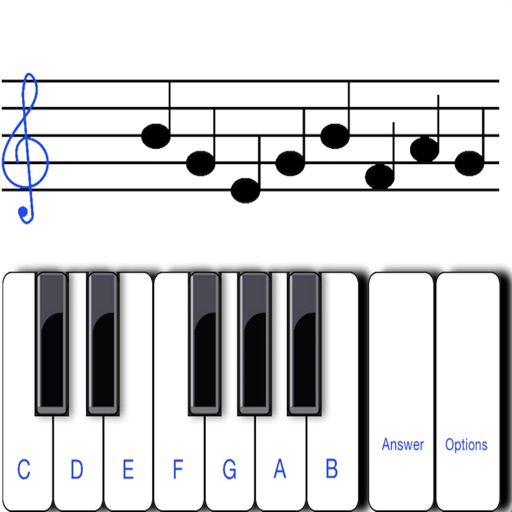
To notes in G and F clefs. Practice notes above and below the staff across six octaves. Randomly generated notes apply to any instrument. Switch clefs for varied practice. Receive feedback on missed notes. Set pace and limit octaves for beginners.
Record and playback messages with precise timing accuracy. Edit recorded sequences, adjust velocities, and control playback speed. Sync with DAWs for seamless integration and real-time performance monitoring.
Create and customize beats using and studio-quality samples. Access free monthly sound packs and watch tutorials to learn beatmaking. Record tracks, share them via social media with a hashtag, and apply effects to enhance sound quality.
Play with a full 88-key keyboard and haptic feedback. Use multi-touch for chords and dynamics. Access 50+ instrument tones. Learn through interactive practice. Control via widgets without launching the .
Stream with minimal buffering and fast track switching. Set a sleep timer to stop playback at a specified time. Save or delete songs to favorites for quick access. Play directly without searching.
Create and edit songs with a rhyming dictionary, synonym, and antonym tools. Record vocals over preloaded beats using a studio. Share finished tracks via Facebook, Twitter, or a built-in community.
Edit by cutting, trimming, splicing, and merging clips. Apply fades and crossfades. Adjust volume and equalization. Record high-quality directly. Export in various formats. Collaborate by sharing files and syncing projects across devices.
Displays sound frequencies using a Fast Fourier transform. Users can visualize incoming sound as individual sine waves. The shows frequency spectrum displays to analyze audio components.
Play with a virtual keyboard. Customize keys and sounds. Record and share performances. Access sheet music and chord charts. scales and exercises. Sync with music libraries for playback.
Record or import audio files. Apply automatic effects like helium, robot, or zombie. Save recordings and share via social media, email, or messaging apps.
Create beats using pads with preloaded soundboards and high-quality samples. Access tutorials for learning music production. Mix and remix tracks on the go. Export and share created beats. Sync with other music apps for collaboration.
Visualize music with interactive waveforms and color patterns. Learn tonal languages by seeing pitch representations and practicing mimicry. Practice singing with pitch tracking and note recognition.
Create and manipulate sound using a finger-drawn wavetable sequencer. Adjust waveform shapes, control modulation, and layer multiple sounds. Save and share custom presets. Sync with MIDI devices and integrate with DAWs.
Play music from the 50s to 80s. Stream tracks, create playlists, and search by artist or genre. Share songs via social media. Access lyrics and historical notes about songs. Adjust volume and playback speed.