The app allows users to type calculations line by line like a text editor. Results update instantly as values or formulas change, making calculations visible and structured.
by Yann Armelin★ 0.00 ratingsProductivity$3.99Data updated 2026-09-17
Solve math problems from basic arithmetic to advanced algebra. Perform exact fraction calculations and store unlimited variables. Create custom functions and graph equations. Use a powerful algebra engine for precise results.
Perform calculations with a multitouch and spreadsheet interface. Copy numbers by tapping them and paste at the cursor. View and scroll through calculation history on the screen. Access real-time memory for stored numbers.
Scientific calculator with user-defined functions.
The app allows equations to be entered directly as they are written. User-defined functions can be entered, loaded, and saved with names and descriptions.
Perform complex calculations with root, power, trigonometric, and logarithmic functions. Calculate factorials and double factorials. Draw graphs, use four memory blocks, insert constants, and make notes.
Allows users to perform basic arithmetic operations including addition, subtraction, multiplication, and division. It supports percentages, parentheses, and expression editing.
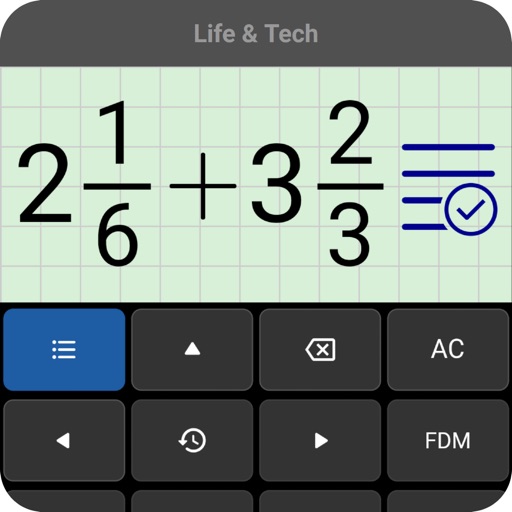
Perform calculations by entering expressions naturally. Receive step-by-step solutions and results in , mixed , or number format. Simplify fractions, convert between formats, and calculate percentages, powers, roots, and logarithms.
Allows users to perform calculations and create visual layouts. Edit numbers and formulas in real time with automatic updates. Combine calculations with a canvas for organizing data visually.
Allows users to perform basic and scientific calculations. It supports arithmetic operations, square roots, percentages, and trigonometric functions. Users can edit expressions with a movable cursor and view calculation history.
Perform calculations with basic and scientific modes. Switch between portrait and landscape views. Display calculation steps and use a voice-activated . Customize keyboard layout and choose from two skins.
Create spreadsheets with touch-based data entry and formula creation. Calculate values, visualize data in charts, and export reports as PDF. Define custom functions for advanced data analysis. Set up templates and manage multiple worksheets.
General with allows users to perform basic arithmetic operations and access functions via an integrated . Input equations directly on the for calculations. Includes a scientific mode for advanced operations.