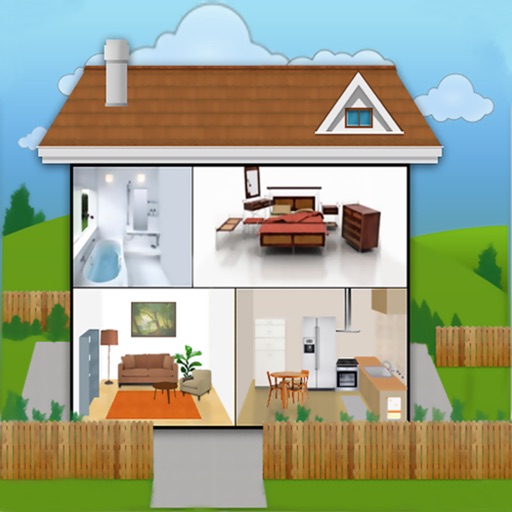
The app provides a framework to create interactive visual scene displays and social stories. Users can add custom images, record their own voice, and create social stories by grouping scenes into books.
by Good Karma Applications, Inc★ 3.39 ratingsEducation$9.99Data updated 2026-09-17
Teaches names through interactive puzzles. Children match and assemble images. Features 100+ puzzles with animals from farm, jungle, zoo, and water environments. Encourages fine motor skills and tactile learning.
Access quizzes, flashcards, and scene checkoffs for training. Review NFPA and IFSTA verified material. Practice with over 550 exam questions and 700 flashcards. Track progress and stay current with industry standards.
Create and edit text-based stories, notes, and wordplay. Sort entries by date, title, or last modified. Adjust font size using a slider. Features include large default font and minimalistic interface without spell checking or autocorrection.
Create a vivid ocean world by connecting letters to form words. Solve over 200 puzzles and build scenes based on relevance. Customize the sea environment with creative choices. Explore a fantasy ocean setting and interact with its elements.
The app offers offline AI voice recognition for instant pronunciation feedback. It features 8,000 real-world phrases and native speaker models for practice.
Create personalized picture , bedtime stories, and audiobooks using AI. Scan to convert into audiobooks. Generate multilingual stories with professional narration and word-highlighting. Build vocabulary and imagination through interactive reading.
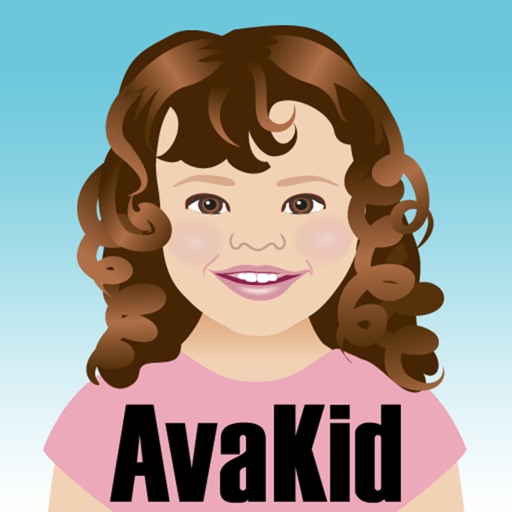
The app allows children to create a cartoon avatar that resembles them. The child can then play a narrative showing themselves successfully using the potty.
Explore interactive stories and create adventures with customizable characters. Navigate through various locations to find hidden treasures. Pretend to play as pirates, explorers, princesses, or fairies.
Edit images by on photos and adding text. Choose from 45 colors and five pen thicknesses. Use zoom editing and undo functionality. Share edited images via email, Twitter, and Facebook.
Explore markers offline with a comprehensive database. Browse markers by location, agency, topic, or attraction. Use location services to find markers in real time. View detailed information about each .
Teaches drawing through step-by-step voice guidance. Allows toddlers to create drawings and animate them. Includes interactive scenes and talking characters for engagement. Enables coloring and drawing on a virtual canvas.