Allows children to draw using color selection, shape tools, and an eraser. It plays with each stroke and includes a random color option. Users can change line thickness and save drawings.
by PICxPIC, Inc.★ 4.267 ratingsEducationFreeData updated 2026-09-08
The app introduces numbers one through ten and teaches elementary counting. Children follow instructions to draw characters and count them, with animated drawings coming to life.
Draw on whiteboard, blank canvas, or images using pen, line, arrow, and shape tools. Edit photos with filters, adjustments, effects, and crop options. Customize tool size and transparency. Add text, stickers, and emotions.
Play on uniquely shaped tables like Star, Hexagon, and Circle. Challenge friends online or locally, or compete against AI. Customize game settings and track scores during matches.
Create images, drawings, and paintings with customizable brush settings including thickness, color, transparency, and dynamic intensity. Sketch and modify simple graphics for logos, clothing, hairstyles, and more.
Play a strategy arcade game where players attack and defend territories using paint guns. Choose a color team, conquer opponents' lands, and defend your own. Use tactical moves to outmaneuver enemies in fast-paced battles.
Play a game where players hold or release the screen to switch between square and circle shapes matching incoming patterns. Challenge reaction speed and accuracy with increasing difficulty levels. Track progress and compete against time limits.
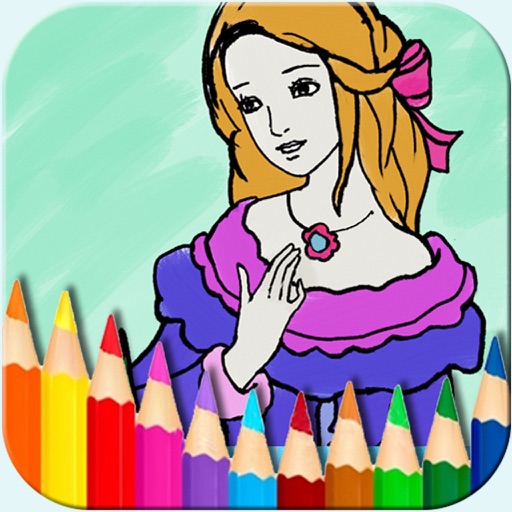
The app offers a digital coloring experience with over 150 free princess and fairy pictures. It includes 10 brushes for drawing and painting, and a movie feature to record and replay drawings as animation clips.
Create art by drawing on pages with customizable brushes. Choose from 10 brush types including oil, chalk, and watercolor. Paint detailed images of princesses, animals, dinosaurs, cars, and planes. Save and share finished artwork.
Create and decorate cakes by selecting flavors and shapes. Mix ingredients, stir batter, bake in an oven, and add decorations. Choose from new options and special effects. Track baking steps and customize designs with various ingredients and styles.
The app allows users to create glowing artwork with drawing tools and add animations. Users can save creations to their photo album or email them to friends.
Create drawings with 20 colors and 3 line thickness options. Continue drawing sessions across devices. Access calming background music. No in- purchases or ads. Designed for ages 1 and up.
Build card piles from 13 down to 1 with alternating colors. Players take turns drawing cards and placing red and white cards on table stacks. Corner stacks must count down from 13. Four players compete to empty their hand first.
The app presents Halloween-themed coloring pages that teach children arithmetic, letters, and shapes. It features a simple interface, a customizable color palette, and visual and sound effects.
Turn photos into 12 styles with adjustable edge thickness. Add stickers before or after cartoonization. Save and share the edited image. No internet connection required.
Create intricate designs, patterns, and mandalas using intuitive drawing tools. Use a single stroke to generate complex artwork. Access a variety of brushes and color options. Save and share creations directly.
Take notes with customizable ink styles and pressure-sensitive strokes. Choose from various pen tools and colors. Record and sync audio with writing. Draw precise shapes and lines. Share notes directly.
Teaches recognition and object matching through interactive mini-games. Allows children to trace and match objects. Includes activities for building and identifying basic . Features a variety of educational exercises for preschoolers.