The app provides a realistic piano experience with 88 keys and a sliding keyboard. Users can select from five different instruments and utilize ten rhythmic loops for accompaniment.
by Lahbib EL BOUMEDIANI★ 3.85 ratingsMusicFreeData updated 2026-09-17
Create rhythm patterns for guitar, bass, keyboard, or other instruments. Control verse, chorus, transition, fill, intro, and outro sections. Use Bluetooth MIDI Pedalboard for hands-free operation. Adjust timing and tempo in real time.
Play with a realistic keyboard interface. Access thousands of songs for practice. View real-time sheet music notations and track mistakes. Improve skills through immediate feedback. Learn to play without formal lessons.
Create and produce music with beat-making, track composition, and sampling tools. Record and sequence audio and MIDI. Use high-quality UVI instruments and effects. Export mixes, stems, or project files. Share tracks on YouTube or SoundCloud.
With a hot interface featuring all 88 keys. View key note labels and use a retina display. Access an optional double keyboard and support external MIDI keyboards on iPad. Sync across iPhone, iPod Touch, and iPad.
Play melodies by tapping the instrument's surface. Adjust tone and volume with touch controls. Access preloaded sound samples and custom presets. Record performances and share files directly. Learn playing techniques through guided tutorials.
Learn guitar with play-along backing in keys E and G. range from 4:44 to 5:36 minutes. Includes chord charts and tabs for reference. Play on or electric guitar.
The app offers a piano interface with multiple instrument sounds including piano, pan flute, and violin. Users can play along with songs and enjoy percussion instruments with G-sensor support.
Learn key names through interactive guessing games. Identify before fly away. Correctly guess all to win. Restart if incorrect. No ads or in- purchases.
The app provides six musical instruments for creative expression on an iOS device. It features traditional and three special modes, including multiplayer and mixed instrument play.
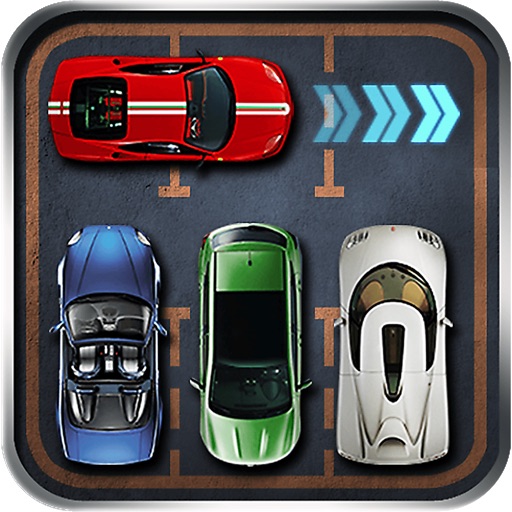
Solve sliding block puzzles to free a red car from traffic jams. Move vehicles to clear paths and complete levels. Earn stars based on speed and moves. Play through increasing difficulty levels.
Create music by touching the screen to play notes and adjust sounds. Use multi-touch surfaces like radar, ribbon, or keyboard. Move fingers to modify tones. The semi-generative engine selects suitable notes automatically.
A music production tool for AUv3 Audio Unit hosts. Control MIDI with a scalable, playable keyboard. Supports single or dual keyboard layouts. Integrates with advanced MIDI workstations for detailed performance and arrangement.
Note names and tonality with interactive quizzes. Practice reading sheet music in various clefs. Train sight-reading and ear training. Switch between English and German note naming systems.