Create and animate drawings with a variety of painting tools and brushes. Record and share artwork as videos. Use a whiteboard for tutorials and pitch recordings. Access symmetry and guides for precision. Export creations in multiple formats.
by Yongjie HU★ 4.631 ratingsEntertainment$2.99Data updated 2026-09-08
The app offers over 18 painting games and quizzes for children to learn early concepts. It includes alphabet, numbers, shapes, and vocabulary activities with voice commands in 12 languages.
Children can create drawings using a variety of brushes, including fluorescent and graffiti styles. They can paint freely with colorful tools. The provides a creative environment for learning to draw and explore artistic expression.
Create art using realistic and watercolor effects. Draw with tools like marker, airbrush, crayon, and eraser. Apply fluid-based watercolor effects in the full version. Adjust colors and blend textures for detailed illustrations.
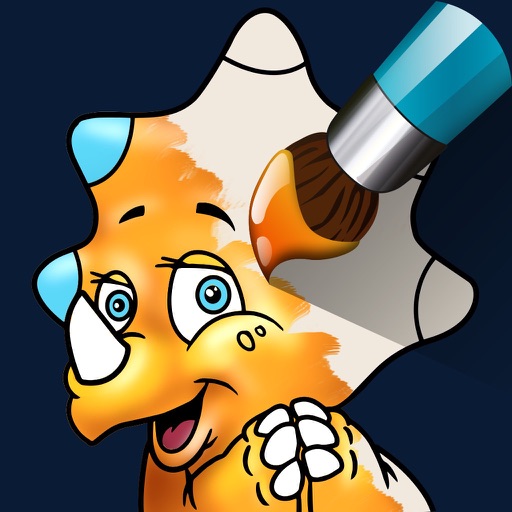
The app offers 16 detailed dinosaur coloring pages and two blank pages for drawing. Users can color by touching parts or draw freehand, with a magic wand tool and unlimited undos available.
Allows users to select from hundreds of free pages ranging in complexity. Users can create custom doodles and save or share their artwork. Features include real-time drawing tools, color selection, and page zoom.
AR : Project sketches onto real-world surfaces for accurate proportions. Use stand mode for stable, low-latency . Convert paper sketches into digital art with precise tracing and editing tools. Save and export artwork in multiple formats.
Color by number game allows users to select and fill numbered sections with colors. Complete puzzles by matching numbers to colors. Choose from various themed images. Save progress and share completed artwork.
Create and color illustrations with a full spectrum of hues. Participate in online coloring contests to share artwork. Access three coloring activities including classic coloring, themed coloring, and interactive coloring with animations.
Book offers 60 illustrations for , including princesses, unicorns, cats, mermaids, fairies, and beauty items. Users can select colors, erase mistakes, and save completed pages. Share finished artwork via social media.
Merge multiple photos into a single artwork by selecting and combining image sections. Remove or re-add parts using finger painting techniques. Adjust brush settings for precision.
Create and edit drawings with over 20 colors and adjustable brush sizes. Save drawings and their creation process in a built-in gallery. Replay or resume drawings at any time. Draw on iPhone, iPad, or iPod Touch.
Create animated swirling patterns and kaleidoscope artworks. Select from various brush styles and color palettes. Adjust speed and symmetry settings. Save and share generated artwork. Relax through interactive, meditative visuals.
PLAY AND LEARN EDUCATIONAL GAMES FOR KIDS PLEI END LERN EDYUKESHINAL GEIMS FO KIDS, TOO
Draw, paint, and create with fun animals
Draw with brushes, markers, or crayons on various pages. Trace shadows to identify animals. Tap blocks to create pixel art. Collect stickers. Paint with vibrant colors and patterns. Choose from multiple pages.
Create drawings using 13 like glow neon, crayon, and chalk. Draw on a color canvas or edit photos. Save drawings and animations to the built-in gallery. Record drawing sessions as videos and replay them.