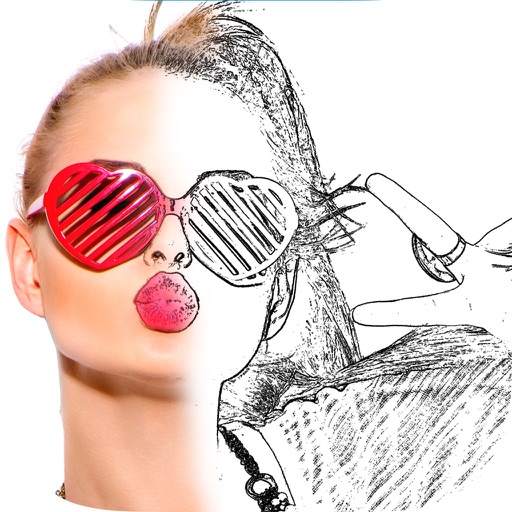
Edit images by detecting and highlighting contours to create pencil-drawing effects. Select photos from the device library or capture new ones. Apply the contour effect and view the resulting image on the screen.
by Luigi Fonti★ 1.01 ratingsPhoto & Video$0.99Data updated 2026-09-08
Edit photos by adding a color background to expand the image and reduce zoom. Choose parallax effect or disable it. Save edited images as or home screen images without needing screenshots.
Take photos or load images from the library. Add handwritten notes and drawings. Apply filters. Enlarge images for detailed editing. Save original files and multiple sizes. Share via email. Paint on images without access.
The app allows users to add frames, stickers, drawings, and text to photos. Users can position stickers anywhere on the image and utilize an undo function.
Edit photos by selecting from the gallery or capturing with the camera. Apply multiple and effects. Adjust position, size, and angle. Save, share, or upload images to social media platforms like Facebook, Twitter, or email.
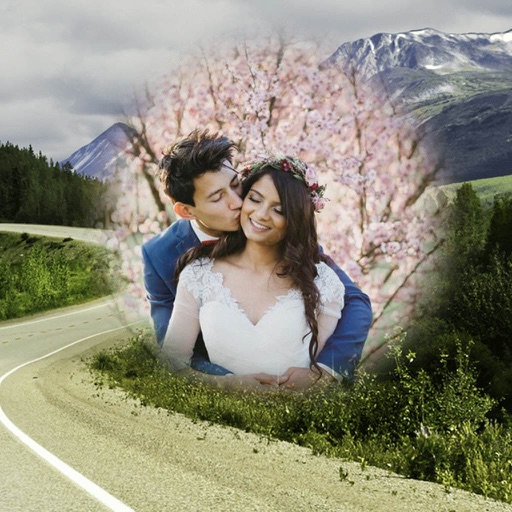
Edit photos by selecting from the gallery or using the camera. Apply various frames and effects. Adjust position, size, and angle of images. Save, share, or upload photos to social networks like Facebook and Twitter.
The app offers a coloring experience with selected animal drawings for children. Users can paint precisely, explore color combinations, and enhance creativity using a magic marker or palette.