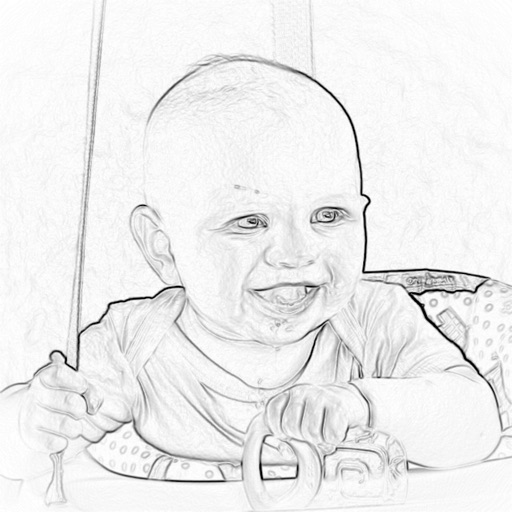
Edit images by detecting and highlighting contours to create pencil-drawing effects. Select photos from the device library or capture new ones. Apply the contour effect and view the resulting image on the screen.
by Luigi Fonti★ 1.01 ratingsPhoto & Video$0.99Data updated 2026-09-08
Apply thematic with 18 styles, each offering 20 variations. Use grid combinations to blend multiple . Add graphics and art for creative . Customize with multi-functional tools. Export edited images in various formats.
The app offers an educational game with many possibilities for children to paint selected animals. Users can use their fingers as pencils or crayons to discover color combinations and increase creativity.
The app converts photos into pencil sketches. Users can take a new picture or select an existing photo to transform into a sketch and share with friends.
The app is a jigsaw puzzle game featuring 60 levels with butterfly images for iPhone and iPad. Users can drag pieces to form the picture, preview the original image, and save completed puzzles.
Edit images by on photos with 45 colors and five pen thicknesses. Use zoom edit and undo functionality. Add text with drag and pinch for free layout. Import from camera roll and attach images. Share edited content via email, Twitter, and Facebook.
Create animation effects by morphing between two or more photos. Transform faces of family members, friends, or celebrities. Export and share the resulting videos. Adjust timing and transitions for custom animations.
Take parody photos by detecting faces on game wireless call screens. Capture images by pressing REC and save them by pressing SAVE. Display detected faces on the screen during capture.
The app allows users to design original button badges, round logos, and round stickers on an iPad. Users can select from various badge sizes, fonts, and stamps, and use photos as backgrounds.