1001 Photo Effects
Alexander Dr. Rieger
Apply one thousand photo effects.
The app offers over one thousand photo effects across 38 categories. Users can select a photo, apply an effect, and share the result.

Convert images to pencil sketches
Edit images by detecting and highlighting contours to create pencil-drawing effects. Select photos from the device library or capture new ones. Apply the contour effect and view the resulting image on the screen.
Showing 221–240 of 1,000 ranked alternatives.
Alexander Dr. Rieger
Apply one thousand photo effects.
The app offers over one thousand photo effects across 38 categories. Users can select a photo, apply an effect, and share the result.
EDUARD ZABOROVSKIY
Create and customize your dream
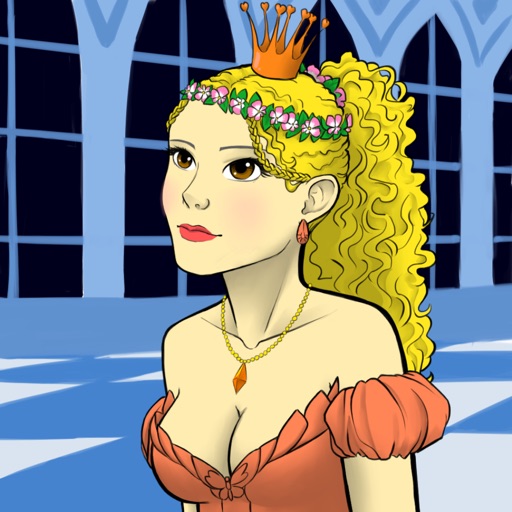
Create avatars of fantasy princesses by mixing and matching character fragments. Customize eyes, lips, hair, and clothing. Access 10,000+ character options. Share created images or set as wallpaper.

Ekaterina Zenkova
Transform images into cartoons and art
Transform photos into cartoon, anime, painting, or fantasy styles with instant artistic effects. Upload images and apply over 100 dynamic video effects to create animated videos. Edit and share the resulting artwork or video directly.

Marco Ristuccia
Edit and overlap two images easily.
The app allows users to edit and overlap two images with transparency and blending effects. Users can select parts of images to keep or erase, and apply filter effects and tune image settings.

Masako Sakanashi
Post speech bubbles, edit videos, share clips
Attach speech balloons to photos with intuitive steps. Add text captions or logos without frames. Include hand-drawn elements. Edit and share modified images directly.

WAITOS AI SOCIEDAD LIMITADA
Edit photos, enhance images, share results
Edit photos with basic tools like cropping and adjustments. Apply AI-powered art filters for creative effects. Enhance images with intelligent editing features. Save and share edited photos directly.
ToXSL Technologies Private Li mited
Learn To Draw Anything Easily
The app provides step-by-step instructions for drawing various subjects like animals, cars, and cartoon characters. Users can follow simple steps to create complete pictures or draw directly on the screen.

Turkdogan Tasdelen
Edit photos entirely on device.
The app offers on-device photo editing with AI features like background removal and auto-enhancement. It includes over 38 filters, stickers, text editing, and export options for HEIC, JPEG, or PNG formats.
yukihiro fujita
Convert photos to pixel art style.
The app converts selected photos into a pixel art style. Users can adjust the pixel level and save the resulting image.

handyCloset Inc.
Adjust photo color tones quickly easily.
The app allows users to adjust photo color tones including brightness, contrast, hue, saturation, temperature, and tint. Changes can be previewed in real time, and the app supports transparency.

Alexey Tataurov
Remove unwanted objects from photos
Remove unwanted objects from photos using AI-powered image processing. Edit blemishes, erase lines or wires, and eliminate scratches. Delete any elements not desired in the image. Save and share the edited photos.

FANG Inc.
Post entire photos without cropping.
The app allows users to crop photos into a square shape for posting on Instagram. It supports both landscape and portrait orientations and offers various background options and effects.

Vladimir Djordjevic
Set and lock screens with images
Set home screen and lock screen with pre-designed pink-themed images. Select and apply instantly. Browse a collection of , stylish backgrounds for iPhone.

Sounak Sarkar
Convert photos to hand-drawn sketches
Convert photos into hand-drawn sketches using advanced AI algorithms. Adjust details and style. Export as image files. Share directly from the .

nedis
Convert photos into pixel art.
The app converts user photos into pixel art. Users can adjust the granularity of the pixel art with a slider.

yukihiro fujita
Change photos to symmetrical images easily.
The app allows users to change a selected photo into a symmetrical image. Users can drag to edit, change the base side, and save their edited images.
Apps are ranked by functional similarity, category fit, rating confidence, and popularity.