Captures multiple photos with a timer or instantly. Calculates an averaged image to reduce noise in low-light conditions. Normalizes exposure to brighten shadows. Requires stable placement to avoid blur. Export and share the final image.
by Dominik Seibold★ 3.438 ratingsPhoto & Video$1.99Data updated 2026-09-13
AI Extender allows users to images beyond original boundaries. Adjust proportions and enhance compositions. AI Image Enhancer improves clarity and sharpness. Add text overlays and apply filters. Export edited images in various formats.
Combine photos into a framed layout with multiple options and patterns. Adjust images using two-finger panning and zooming. Apply filters and add overlays for titles. Export and share the final composition.
Create original icons using text . Choose from 6 art styles including Anime and Cyberpunk. Adjust mood settings like Bright or Mysterious. Customize backgrounds with white, pastel gradients, or transparency. Automatically apply pixel art style.
Capture photos with -like focus effects and background blur. Adjust depth settings for precise bokeh. Edit images with advanced depth mapping technology. Export high-quality photos in various formats.
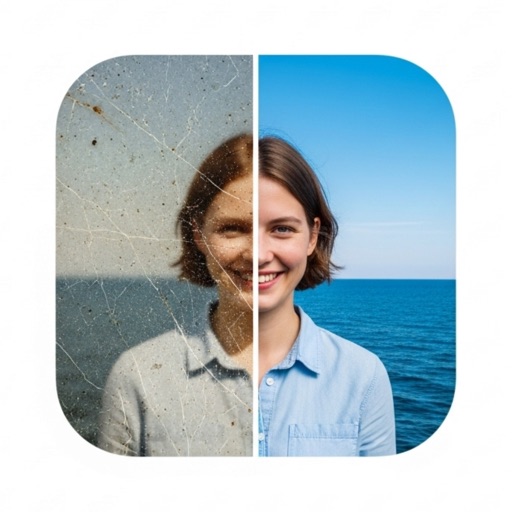
Edit photos with adjustment tools, stickers, frames, textures, effects, and a wide range of filters. Add text and apply effects. edited photos directly from the .
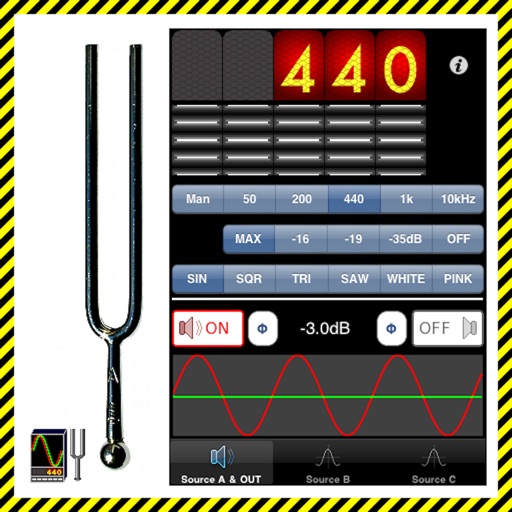
The app generates test tones including sine, square, triangle, sawtooth waves, and noise. Users can combine up to four independent sources with phase switching for each channel.
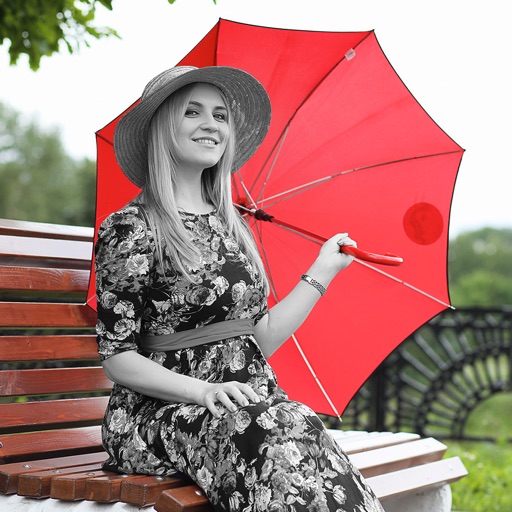
The app allows users to customize their iPhone camera with various atmospheric photo styles. It offers adjustments for brightness, contrast, blur, focus, and vignetting, along with 18 color filters.