Captures multiple photos with a timer or instantly. Calculates an averaged image to reduce noise in low-light conditions. Normalizes exposure to brighten shadows. Requires stable placement to avoid blur. Export and share the final image.
by Dominik Seibold★ 3.438 ratingsPhoto & Video$1.99Data updated 2026-10-25
Access advanced settings including saturation, exposure, ISO, and gamma. Capture slow motion, long exposure, and light trails. Browse, download, and edit files on a connected SD card. View tutorials for professional shooting techniques.
The app provides a visual and precise method for measuring light. It displays aperture, shutter speed, and ISO on a connected exposure wheel for at-a-glance control.
Enhance quality with AI-powered upscaling. Remove blur, grain, and pixelation to create crisp, high-resolution images. Restore old photos and videos. Share edited files directly.
Create before-after images by selecting two photos. Automatically arrange them in an optimal layout. Add customizable borders and a professional watermark. Include censor-bars on eyes for privacy. Share the final image directly.
Extract colors from photos or camera snapshots. Pan, pinch, and zoom to select areas. View RGB, HEX, CMYK, HSB, and LAB values. Access complementary and Pantone schemes. Export information.
Edit photos with exposure, contrast, highlights, shadows, whites, and blacks adjustments. Modify colors with saturation, vibrance, hue, and temperature. Remove haze and fog with an intelligent filter.
Edit selfies and photos with AI retouching, body shaping, and beauty enhancements. Adjust skin tone, remove blemishes, and enhance details. Save and share edited images directly.
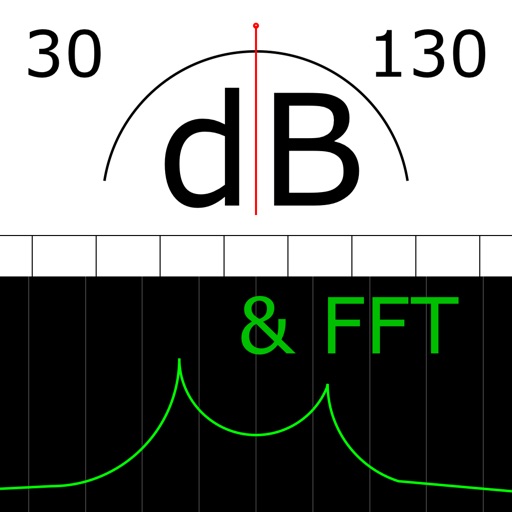
The app measures sound levels using a digital display for sound power and an analog display for fast mode. It also features real-time FFT frequency analysis with highlighted predominant frequencies and their power.
Create evolving shapes and color fields by touching and shaking the screen. Explore color noise, liquid merging, and spastic color bars. Capture screenshots of generated artwork.
For photographers without a built-in . Take readings from camera preview. Adjust measurement area by zooming. Switch between multiple rear cameras. Tap points of interest for precise exposure settings.
Capture high-resolution images with HD . Remove photo backgrounds and restore old memories. Edit photos with AI enhancements. Adjust focus and exposure settings. Share edited photos directly.
The app creates black and white photos from the photo library or directly using the iPhone camera. Processed photos are saved in original size with a polished user interface.
Edit photos using presets, crop, straighten, adjust exposure, saturation, brightness, contrast, and shadows. Apply textures to enhance images. Save and share edited photos directly.