Apps Like Spectrogram Pro (with super-smooth 60Hz update) for iPhone and iPad
Analyze sound and visualize spectra
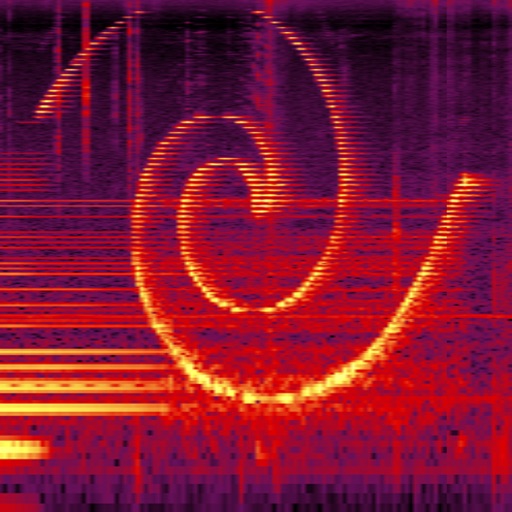
Perform real-time spectral analysis of sounds. View images with adjustable FFT-resolutions, frequency and amplitude scales, and color schemes. Save and share spectrograms. Access bode plot modes with averaging and maximum calculations.
by Dominik Seibold★ 3.827 ratingsMusic$3.99Data updated 2026-09-08
Nd manipulate audio waveforms including sine, square, triangle, and sawtooth. Stack up to 2048 tracks with adjustable frequency, amplitude, phase, and mute settings. Export PCM files up to 2 minutes in length. Play back waveforms in real time.
Perform complex calculations with functions and formula support. Use speech to input and receive answers, with full VoiceOver compatibility. Adjust button size and color for better visibility. Access high contrast mode for improved readability.
Create and manipulate effects with two parallel reverbs. Swap between reverbs based on amplitude or tone changes. Auto-duck inputs to reduce unwanted noise. Adjust parameters for precise harmonic control. Export processed audio files directly.
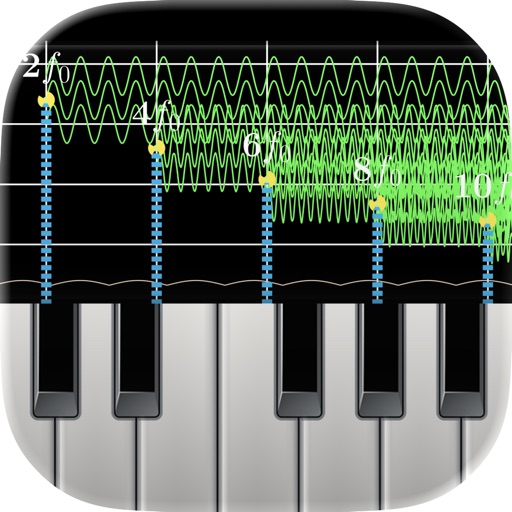
Monitor audio in real time with low-latency processing. View waveform oscilloscopes and frequency spectra. Analyze piano inharmonicity and tuning accuracy. Capture and inspect raw waveforms for music and acoustics.
Create short or long stories with unlimited pages. Add animals, food, people, and places. Generate picture schedules and document adventures. Practice reading, sequencing, vocabulary, and grammar through storytelling activities.
Play using fretless fingerstyle techniques. Adjust tone with finger pressure on the screen. Access layered sound samples for each note. Practice scales and chords with on-screen notation. Record and replay performances.
TunerMetro provides a for precise instrument tuning with ±0.001 semitone accuracy. It includes a with adjustable tempo and tap-to-start functionality. The features a spectrum analyzer for visual feedback during practice.
Record orientation data of planar and linear features using GPS and orientation sensors. Measure bearings and inclinations. Save and export data for analysis. Sync with devices for fieldwork efficiency.
Create and customize mathematical spirals with adjustable parameters. Explore Archimedean and logarithmic spiral types. Modify radius, angle, and step values. Export spiral designs as images. Share creations via social media or email.
Use a microphone to create live or recorded loops with trigger modes via keyboard. Process sound with bit and sample crusher, delay, and flanger. Play using a 25-key dynamic keyboard or core MIDI.
Learn about Egyptian history through interactive excavation and analysis. Explore mummification in the Valley of the Kings, examine the temple at Karnak, and distinguish roles of men, women, and children.