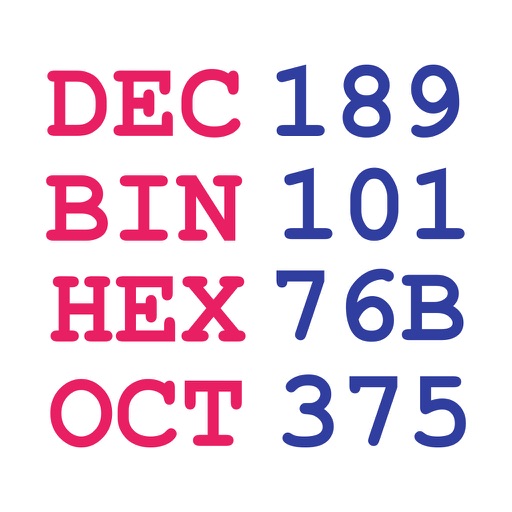
An RPN calculator with stack display and base conversion. Users can switch between binary, octal, decimal, and hexadecimal modes. Each stack element can be viewed in any base or as ASCII.
by James Preston★ 0.00 ratingsProductivityFreeData updated 2026-09-08
Perform complex calculations with scientific, graphing, and programmer modes. View graphs and equations. Use the Today widget for quick access. Unlock advanced features with in- purchases. Reinstall to reset trial periods.
Perform basic arithmetic operations including addition, subtraction, multiplication, and division. Access scientific functions for advanced calculations. Convert units between different measurement systems.
Convert numbers between , octal, decimal, and hexadecimal systems. Perform step-by-step conversions. Adjust application theme, set maximum digits in fractional results, choose negative number representation, and limit bits in negative outputs.
Convert numbers between hexadecimal, decimal, octal, and binary. Create custom colors using RGB and HEX values. Search for SF symbols and check IDFA status. Share values directly or copy them to clipboard.
Hexadecimal and binary calculators allow users to perform arithmetic and bitwise operations. Convert between number systems and view results in decimal, hexadecimal, and binary formats. Save and share calculation history.
Convert numbers between decimal, binary, hexadecimal,
Convert numbers between decimal, binary, hexadecimal, and octal systems. Input integers from 0 to 2^31-1. Perform conversions in both directions. Display results in selected number formats.
The app provides a simple and intuitive interface for performing calculations. It supports multiple number systems and includes various conversion tools.
Convert numbers between hexadecimal, decimal, octal, and binary formats. Input a value and select the target format. Display results with clear formatting and support for both integer and fractional values.
Perform calculations a scientific featuring pi, exponents, square root, negative numbers, and logarithms. View calculation and adjust decimal places or use thousands separators. Customize keyboard colors and sounds.
Perform calculations with over 225 built-in operations including trigonometry, logarithms, complex functions, and real numbers. Scroll through the stack with finger gestures. Copy and paste results. Work with real and complex numbers.
A calculator with a clear display and large buttons supports functions. Switch between portrait and landscape modes on iPad. Perform simple calculations without additional features.
Convert text, , hexadecimal, and custom base numbers to each other. Perform base conversions with a minimalistic interface. Learn how different number systems work through interactive conversion. Encode messages in for fun or practical use.
Convert numbers between hexadecimal, decimal, octal, and binary formats. Calculate two's complement and flip byte endianness. Perform bit-shift operations and view bit indicators with word grouping. Tap to copy, paste, or clear numbers.
Performs basic arithmetic, base conversion between binary, octal, decimal, and hexadecimal. It calculates GCD and LCM, factors primes up to 10^18, and solves roots and exponents. Includes 12 modes for various mathematical functions.