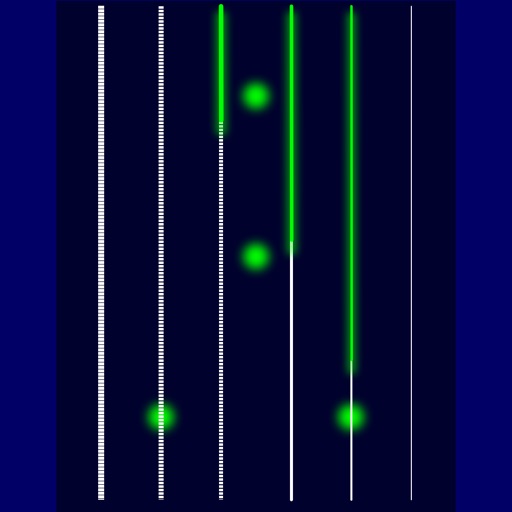
Turn your iPhone or iPod Touch into a musical instrument. Select chords and strum strings with fingers to create arpeggiated sounds. Edit and share songs, use MIDI support, and transpose notes with in- purchase.
by Drew Milloy★ 4.326 ratingsMusicFreeData updated 2026-09-08
Create and edit electronic music with a sequencer, synthesizer, and sampler. Record samples via microphone or re-sample existing audio. Use 8 channels with 8 patterns each for rhythm and melody. Automate parameters and export projects as WAV files.
Create and manipulate multi-layered sound sequences using a 4-lane sequencer. utomatic accompaniment from MIDI input. Blend samples seamlessly for evolving soundscapes. Adjust wave synthesis parameters and sequence patterns.
Record and edit up to 16 tracks of looped audio. Adjust track settings, use sound-on-sound and overwrite modes. Supports Inter Audio and AudioBus for virtual instrument integration. Customize loops and perform live recordings.
The app transforms an iPad into a multitrack music recording studio for audio and MIDI. Users can record, edit, and mix tracks with various editors and effects.
Create and control orchestral sounds using MIDI input from external keyboards or Bluetooth devices. Adjust instrument parameters, apply effects, and route audio through Audio Unit or Inter- Audio.
The app provides tools for writing songs, allowing users to experiment with structure, chord progressions, melodies, arrangements, and lyrics. Users can export PDF scores, MIDI, and audio, and create custom sound and composition templates.
The app is a musical instrument designed to play arpeggios. Users can design arpeggio patterns and control speed, pitch, volume, pitchbend, and vibrato.
Play standard files with .mid, ., and .kar extensions. Support GM and GS standards with default SoundFont. Use custom SoundFonts in .sf2 or .dls format. View time-synced lyrics. Connect to outputs via Core . Export as audio.
The app emulates vintage 80's hardware drum machines with a realistic interface. Users can play included rhythm presets or create their own patterns, with control over drum kit parameters and song mode.