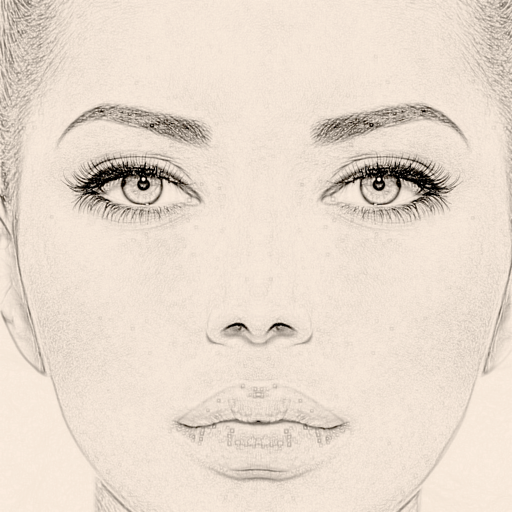
Create images by drawing on photos or images from the device album. Choose pencil styles and adjust saturation. Control zoom, pencil size, and brush settings to customize sketches. Export and share finished drawings.
by Sang Hyun Jun★ 4.33 ratingsPhoto & VideoFreeData updated 2026-09-08
Edit photos with advanced tools like layers, masks, and adjustment brushes. Crop, rotate, and resize images. Add text, stickers, and special effects. Export in various formats and share directly.
Create notes using voice commands, Apple Watch, or in- dictation. Attach images, PDFs, videos, and files. Draw sketches directly. Access notes via home screen widgets or clipboard capture.
Capture photos and videos with real-time filters applying effects during recording. Adjust filter position by tapping, swiping, or pinching. Edit videos with multiple filter styles ranging from funny to artistic. Share edited content directly.
Calculate and communicate project measurements easily.
The app allows users to calculate and communicate project measurements. It connects to a RIDGID LM-400 Laser Distance Meter via Bluetooth for precise measurements and works in drawing or photo overlay modes.
Convert images, sketches, or artwork into high-contrast black and white stencils. Adjust contrast and edges for precise results. Export stencils in high resolution for use.
Create animation with filters, changer effects, and 8 animation styles including cartoon, , and pop art. Apply effects live from camera or photo library. Share on Instagram, Snapchat, or Facebook.
Write handwritten notes and sketches with customizable colors and stroke sizes. Add text to notes. Share notes to social media apps. Save notes to Photos with a single tap. Print, save, or export notes. No ads.