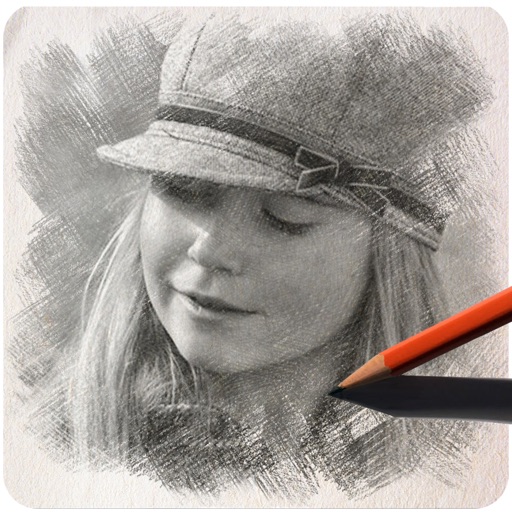
Create images by drawing on photos or images from the device album. Choose pencil styles and adjust saturation. Control zoom, pencil size, and brush settings to customize sketches. Export and share finished drawings.
by Sang Hyun Jun★ 4.33 ratingsPhoto & VideoFreeData updated 2026-09-08
Create digital illustrations with painting, coloring, and drawing tools. Use multiple layers, customize brushes, and mix colors for precise control. Apply textures and save or share artwork directly.
Create videos from text with automated scene generation and customizable styles. Convert images to animated videos using text prompts. Transform sketches into detailed images with AI enhancements. Export and share final videos directly.
Allows users to project sketches onto surfaces using their phone's camera. Users can projected images onto paper, walls, or objects. The enables customization of drawing settings and provides real-time feedback during tracing.
Create artworks from photos or videos using styles like , sketch, oil painting, and watercolor. Choose textures such as canvas or paper. Adjust tones and apply filters. Share creations directly from the .
Stylize photos using over 500 AI art styles from various movements. Edit and retouch images with professional tools. Work offline with on-device AI models. Keep data private with no cloud storage. Export edited images in multiple formats.
Trace images to create sketches or drawings. Adjust line thickness and brush styles. Use an eraser tool. Apply filters to images. Select from gallery or take new photos. Draw on paper with phone held 1 foot above.
The app offers a full editing suite with color, brightness, and contrast adjustments. It includes filters, frames, effects, and a meme maker with speech bubbles and text options.
The app offers numerous standard layouts and artistic filters, including B&W and vintage effects. Users can adjust exposure, contrast, saturation, and white balance for their photos.
Edit photos and videos into high-quality drawings, sketches, and illustrations. Apply pencil, charcoal, or technical filters. Enhance videos with advanced filters. Export edited content in various formats.
The app offers intelligent cutout software for easily removing persons and objects. Users can create identification photos, parody pictures, and save PNG images with various material options and background styles.
Use front camera for real-time application and self-viewing. Apply filters like cartoon, sketch, and X-ray for styled photos. Zoom in 1x to 4x for detailed inspection. Activate flashlight for better lighting during application.
The app generates pencil sketches from photos using the iPhone camera. Users can select images from their gallery or capture new ones to apply various effects like wall paint, comics, and watercolor.