Create paintings by generating strokes automatically. Adjust brush size and color. Animate the painting process. Start from an empty canvas and refine details manually. Export artwork in various formats. Share finished pieces directly.
by Studio Mee★ 0.00 ratingsGraphics & Design$7.99Data updated 2026-09-08
Create original artworks using particle brushes for light effects and designs. Adjust brush settings for texture and flow. Save and share creations directly. Explore artistic inspiration through interactive tools.
Capture photos and videos with a for a vintage look. Adjust noise levels and apply retro filters. Record audio with a simple interface. Save and share images in low-resolution format.
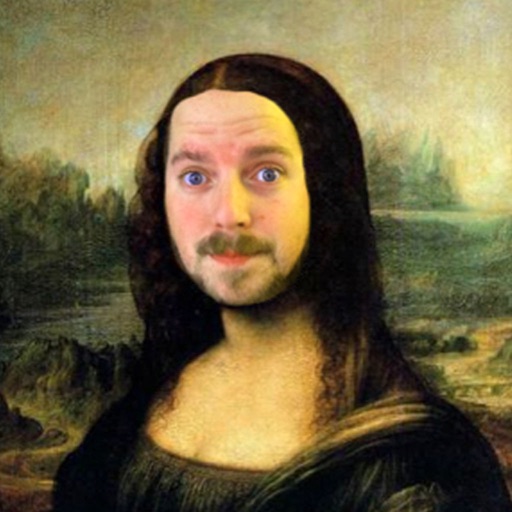
The app allows users to insert their face into 200 classic paintings using face recognition. Users can then add over 200 images, captions, and more than 40 frames to their creations before sharing them.
Access a library of free , palettes, and background images for digital art creation. Download and install with one click. Find textures and stamps for detailed designs. Create custom art with downloadable resources.
Create digital art with a variety of brushes, layers, and color adjustments. Use an eraser for modifications and access reference avatars and sketches. Save and share completed artwork.
The app offers various paint strokes including single, double, triple, symmetrical, and star. Users can select characters like man, woman, house, car, ship, smiley, flower, and stars to add to their creations.
The app offers various paint strokes including single, double, triple, symmetrical, and star. It allows users to select stroke sizes and combine them with multiple color options, gradient colors, and rainbow color changes.