Calculate depth of field with customizable settings for photographers and cinematographers. Select from multiple camera models. Save camera configurations and access in- purchases for additional features.
by Indie Film Gear LLC★ 4.6274 ratingsPhoto & VideoFreeData updated 2026-09-08
Capture photos using a built-in camera and save them to selected albums. Create double exposures or use booth mode. Organize media into albums and browse for specific images. Edit photos with filters, cropping, and adjustments.
Access film test data to calculate exposure settings for traditional black and white films. Input film type and test results to determine optimal exposure. View and save exposure calculations.
Identify rocks using AI-powered camera analysis. View detailed information including name, type, origin, and formation. Access geological facts and compare characteristics. Share results and save identified rocks for reference.
The app allows users to control Maginon IPC surveillance cameras using an iPhone or iPad. After setup, a live picture from the camera can be viewed and the camera can be swiveled.
Resize photos to custom dimensions for social media, websites, and emails. Adjust sizes via slider or manual input. Access photos from camera, files, or web links. Save edits to history and share directly or store in photos.
Control MRMC robotics for photography and videography with pan, tilt, roll, focus, and zoom adjustments. Integrate with Nikon cameras via NX-Field. Manage multiple robots simultaneously. Store and replay camera movement presets.
The app provides access to live and recorded video from the Eagle Eye Cloud VMS. Users can monitor multiple cameras, view events on a timeline, and receive push notifications.
Analyzes photos to determine their using AI and image recognition. It identifies landmarks and visual patterns to predict the most likely . It reads photo metadata to provide additional details.
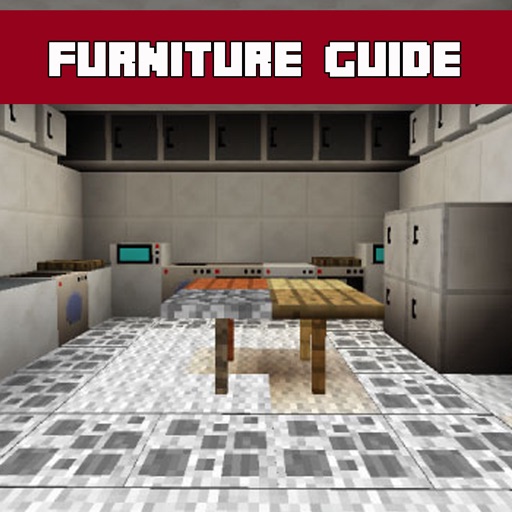
Explore a comprehensive database with detailed descriptions and screenshots. Search for specific items, save favorites, and access additional features for designing in Minecraft.
Provides a real-time framing preview of your iPhone or iPad camera setup. It simulates field of view for cinema lenses and cameras. Users can adjust settings to match their equipment. The includes ad banners that can be disabled.
Edit photos by applying and effects. Select images from the gallery or camera. Adjust frame position, size, and angle. Choose from multiple stylish frame options and effects.
Capture photos with multiple retro styles featuring film filters. Choose from a variety of film-style frames. Create collages using customizable templates. Share edited photos directly.
Edit photos with filters and adjust sensitivity for artistic effects. Save and share edited images directly. Use an intuitive interface to create visually striking effects without technical expertise.
Capture photos with filters and adjust sensitivity for creative control. Save and share edited images directly to device storage or social media. Use an intuitive interface to edit without technical barriers.
Create and share on photos with customizable text and author names. Upload images from camera or gallery. Choose from thousands of across hundreds of categories. Save favorite for easy access. Share via WhatsApp or Facebook.
Record videos and take photos with functionality. Adjust zoom, focus, and exposure manually. Switch between photo and modes seamlessly. Share captured content directly.