Solve right-angled triangles by inputting known sides or angles. View step-by-step calculations and a scale drawing of the triangle. Access basic trigonometric formulae. Enter angles in radians, decimal degrees, or degrees, minutes, seconds.
by Armchair Engineering★ 4.7481 ratingsUtilities$1.99Data updated 2026-11-04
View and inspect 3D models in various formats like PLY, STL, OBJ, and CTM. Open models from web links, emails, DropBox, or file shares. Navigate models with intuitive controls for zooming, rotating, and panning.
The app offers data on ISO-Tolerances, Threads, Cutting Data, Wrench Size, and Roughness. It includes charts for linear dimensions, radii, chamfer, and angular dimensions, along with symbols and explanations for geometrical tolerances.
Calculate mathematical expressions with scientific functions, trigonometry, and logarithms. Store and recall values. Adjust display settings for different modes. Export calculation history and share results via email or cloud storage.
The app offers a 64-bit calculator with 10 registers for saving values and multiple display options including Hex, Oct, and Bin. It includes trigonometric functions, unit conversions, and combinations/permutations calculations.
Perform complex calculations with a scientific interface. Enter expressions in natural order. Simplify results with symbolic computation. Swipe to review previous calculations. Track history and reuse past entries.
The app performs mathematical, engineering, scientific, and technical calculations. It handles fractions, mixed numbers, decimals, and integers with various functions including trigonometric operations and constants.
The app converts coordinate data to Decimal Degrees, Degrees Minutes, and Degrees Minutes Seconds. It supports input data from different regions, ignoring dots and commas.
The app provides an adding machine with a virtual tape. It allows users to add and subtract numbers with up to five decimal places, maintaining a running total and a scrollable tape.
Measure angles in degrees, dimensions, or blocks for leveling a . Confirm status in all directions. Set and remember custom offsets for intentional angles. Compensate for device covers or camera protrusions.
Understand trigonometric functions visually and easily.
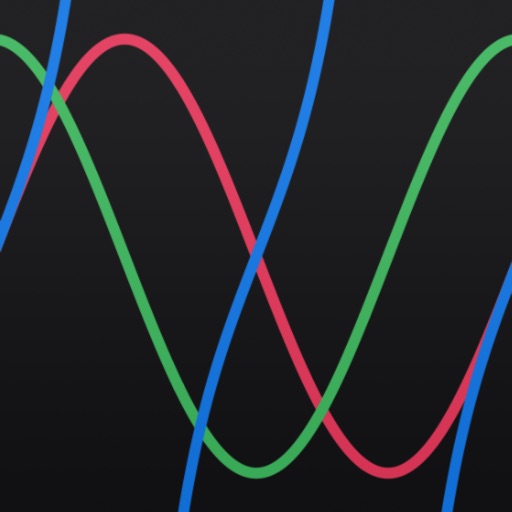
The app provides visual representations of trigonometric functions, including wave graphs. Users can easily calculate and confirm the values of sine, cosine, tangent, cosecant, secant, and cotangent.
Convert decimal numbers to and vice versa. Paste numbers for input, copy results. Switch modes with a tap. Does not support negative numbers or Two's Complement. Large numbers may cause errors.
Calculator provides tools to analyze and convert and Civil parameters. Users can calculate critical bending moments for rectangular, open, and nonuniform cross sections. Additional calculators for stress and deflection are available via in- purchase.
Convert between imperial and metric units in real time. Calculate roof pitch, rafter length, and roof area using rise, run, or house area. Input measurements in meters, centimeters, or inches.