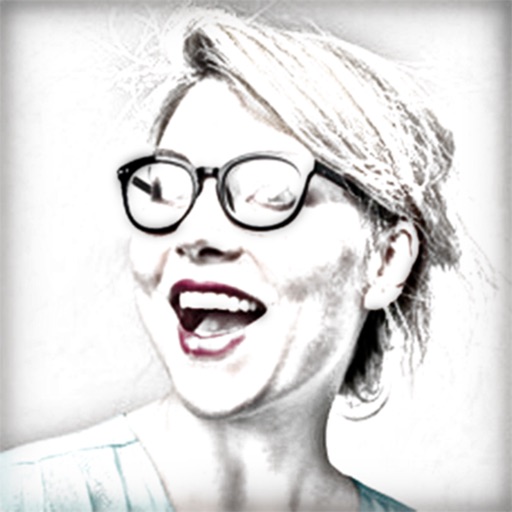
Edit photos by selecting specific objects or colors to emphasize, converting the rest to black and white. Adjust and save the edited image. Take photos with the camera or open existing files.
by michele barbieri★ 2.33 ratingsPhoto & VideoFreeData updated 2026-09-08
Convert photos to black and white drawings for . Import photos from device or camera. Add colors using painting tools. Create drawings on blank canvas. Premium version offers more paint colors, opacity control, and outline editing. Removes ads.
AI photo editor allows users to remove objects, people, and text from images. Change backgrounds and retouch photos with AI tools. Edit faces and create avatars. Export edited images in various formats.
The app joins photos vertically, horizontally, or in 2D by blending or abutting them. Users can edit individual photos or the blend output in the image editor, supporting up to 16 photos.
Objects, people, blemishes, and acne from photos using AI-powered background removal. Edit images to replace or erase unwanted elements. Export edited photos in various formats.
Edit photos with 25 tools and effects. Adjust brightness, contrast, and saturation. Save progress and undo changes. Share edited photos to social networks. Preserve EXIF data and edit geo-location. Export high-resolution images up to 3000x3000.
Take black and white photos with live preview. Use colored lens filters and professional conversion settings. Adjust contrast, brightness, and exposure in real time. Add film grain and black vignetting. Export images to social media and email.
Edit photos with -style filters, , and color grading. Adjust exposure, contrast, and saturation. Save and share edited images. Access tutorials on composition and photography techniques.
Enhance photos with AI-powered adjustments. Improve facial details and skin texture. Remove scratches and restore old images. Compare before and after edits. Save and share edited photos.
Edit photos with skin smoothing and whitening features. Adjust enhancement levels from 1 to 8. Apply 12 unique filters for enhanced selfies. Add makeup tools for detailed facial enhancements. Save and share edited images directly.
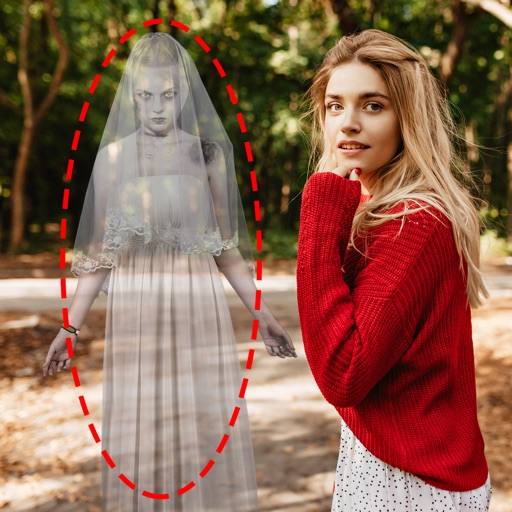
Edit photos by adding ghosts, monsters, or zombies from 62 options. Adjust transparency, color, saturation, brightness, and contrast for each creature. Position and resize creatures freely. Share finished photos with friends.
Edit photos with AI-powered background removal and replacement. Generate realistic images from text. Use advanced tools like layers, masking, and cloning for detailed edits. Export and share edited photos directly.
Create fully customisable . Import images from your gallery as backgrounds. Access an online photo library with 2.5M+ royalty free images. Adjust colors of design elements. Decorate home screen with . Export and apply modified .
Create AI-generated videos and explore future baby simulations. Edit photos with AI headshot generation, face swapping, hairstyle changes, color replacement, and skin retouching.
Convert photos to colored or black and white sketches using 7 available effects. Choose a photo from the library or take a new one. Apply a effect and save the result to the device. No internet connection is required.
Create pixelated photos with customizable frames. Apply blur and black-and-white effects. Adjust touch controls for creative effects. Choose from available frames or customize your own. Export and share the final image.
Take photos with color and sharp filters. Apply whiteness and beauty skin effects. Combine filters and colors for custom looks. Add contacts in 64 pattern colors. Use filters in both camera and alarm modes without charge.
Create Instagram story covers and icons by customizing colors, borders, and text. Access over 500 pre-designed templates. Edit elements like labels and icons directly. Share finished designs to Instagram.
Memes using a large collection of templates. Search for templates by popularity, relevance, date, or usage. Add text, images, and labels. Save memes to a list for future editing. Undo and redo changes during creation.