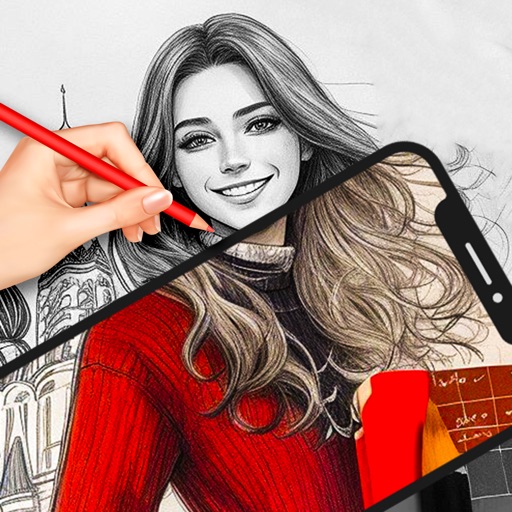
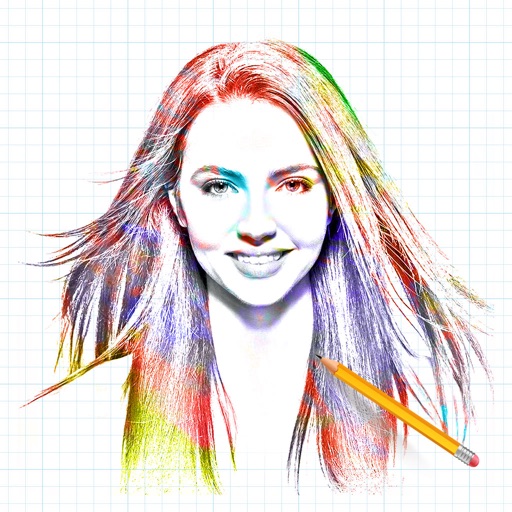
Create automatic pencil sketches by uploading images. Adjust sketch details like line weight and paper texture. Export sketches in various formats. Access advanced tools for customizing strokes and paper backgrounds.
by Studio Mee★ 0.00 ratingsGraphics & Design$39.99Data updated 2026-09-08
Edit photos by adding , stickers, and text. Create collages and cards with customizable designs. Upload images from the gallery or take new photos. Choose from pre-designed and stickers. Add notes and messages to photos.
The app provides a simple notepad for users to write ideas, create lists, and organize them. Users can take notes, sketch, or draw, and access their work anytime.
Create 3D poses by rotating, zooming, and cloning an interactive . Use presets to generate poses quickly. Design scenes with multiple characters. Generate images based on custom poses with realistic style options.
Convert photos to sketches and styles with AI-powered tools. Adjust line thickness, contrast, and color tones. Save and share edited images directly. Apply filters and export in various formats.
Convert photos into drawings, cartoons, or sketches with one click. Choose from various effects like black strokes, pastel, or halftone. Adjust edge strength, opacity, contrast, brightness, and saturation. Save the edited result.