Apps Like MonkeyMote for foobar2000 for iPhone and iPad
Control playback and view track info
Control playback and manage playlists remotely. View song details, lyrics, and cover art. Browse and search media library. Adjust settings and access track information from an iPhone or iPod touch via WiFi.
by Martin Tofall★ 4.6177 ratingsUtilities$1.99Data updated 2026-09-08
Stream wirelessly to compatible speakers via Wi-Fi. playback, adjust volume, and manage playlists. Access a library of songs and podcasts. Sync with multiple devices and share across rooms.
Organize and manage your personal library. Sort and group songs by artist or genre. Rename and reorder playlists. Play with smooth playback and clear sound. Enjoy an ad-free listening experience.
Search for over 1,000,000 song titles. Play and sing along audio files. Adjust pitch and speed of audio. Transpose songs a button. Auto-scroll sheet music during playback. Manage personal sheet music library. Share sheet music others.
Organize and play with customizable collections sorted into "Songs to sing out loud," "Party Songs," and "Chill Hits." Import audio files, manage playlists, and control playback with full media integration.
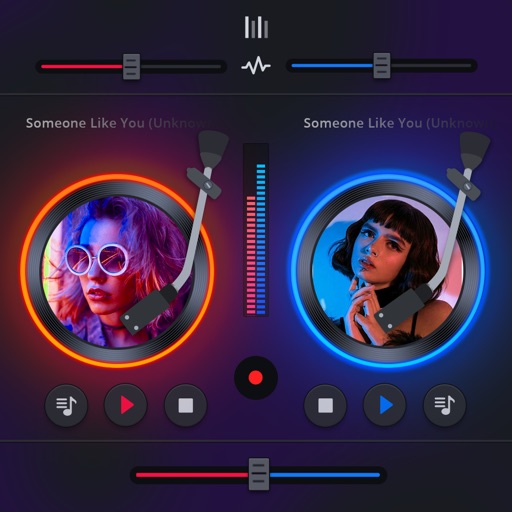
Manage playback with a 3D DJ interface featuring turntables and a 3-band EQ . Access a library to organize files and create custom mixes. Adjust volume and effects in real time during playback. Sync with external devices for live mixing.
Stream remixes with fast playback and song titles. Search by song or DJ name, both online and offline. Set timers, save favorites, and control playback from Control Centre or headset. Includes a built-in keyboard.
Stream and videos with an ad-free popup . Play content in the background while browsing. Create and manage playlists. Save playback progress automatically. Resume playback from any point.
The app adjusts the Beats Per Minute of music from the user's iPod library without altering the pitch. Users can change tempo at any time and select playlists for continuous play.
Create and manage playlists with unlimited customization. Share playlists with friends. Bookmark and organize favorite videos. Stream content to AirPlay devices. Adjust audio settings for personalized sound quality.
Play songs, queues, favorites, or playlists in shuffle mode. Access across devices. Create custom playlists. Set sleep timers for automatic pause. Enjoy high-quality audio. Listen to trending tracks. Control playback without interruptions.
Play from YouTube without ads. songs and videos directly. Use background play and picture-in-picture for multitasking. Sync playlists from other platforms. Sync across devices using iCloud. Connect to car audio systems.
Control music playback with volume adjustment, track skipping, and playlist management. Manage multiple Sonos speakers, set room-specific audio settings, and access a simplified interface for quick navigation.
Play files from local storage or services like Google Drive, Dropbox, and OneDrive. Import tracks via WiFi, iTunes, or iCloud. Support multiple audio formats including MP3, FLAC, WAV, and AAC. Listen without internet connection.
Play standard files with .mid, ., and .kar extensions. Support GM and GS standards with default SoundFont. Use custom SoundFonts in .sf2 or .dls format. View time-synced lyrics. Connect to outputs via Core . Export as audio.
Play locally stored audio and video files directly from Apple . Control playback with touch or voice commands. Access media without needing an external device. Sync files from connected iOS devices. Manage playlists and queue songs for playback.
Manage and play audio files directly on Apple Watch. Add files from various sources. Organize by albums and artists. Create playlists and mark favorites. Control playback speed and resume positions.