Images by adjusting dimensions and quality. Edit photos with a clean interface. Share resized images to Facebook, Twitter, and Instagram. Optimized for latest iPhones. Remove ads by tapping the "" option.
by Jason Pan★ 4.1164 ratingsPhoto & VideoFreeData updated 2026-09-08
Resize photos and images with precise pixel settings to maintain quality. Adjust dimensions according to predefined sizes or custom measurements. Save and share resized files directly.
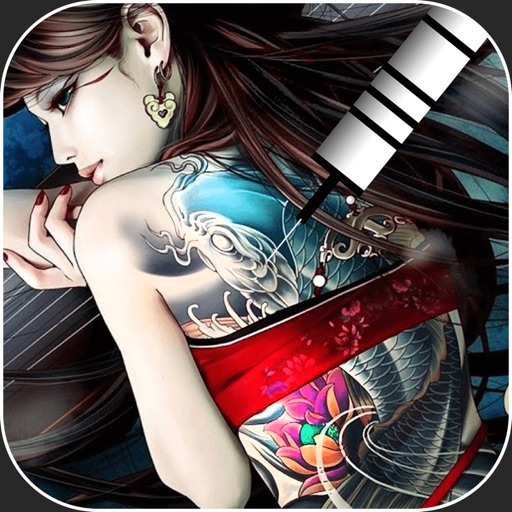
Create virtual tattoos on photos by selecting from 100+ black and white or 60+ color totems. Add text or captions and adjust position, rotation, size, font, or color. Save edited images to the photo library or share via social media.
Resize images with adjustable dimensions and resolution settings. Crop, rotate, and flip photos. Add text, borders, and effects. Save and share edited images directly. Supports multiple file formats and integrates with social media platforms.
Edit photos with filters, contrast, brightness, and color adjustments. Add text, stickers, and drawing tools. Customize images and landscapes. Export in high quality. Access a free image library. Apply advanced editing features.
Create collages by selecting layouts, adding photos, and personalizing with frames or templates. Arrange images in grids, freestyle, or pre-designed templates. Share directly to social media or messaging apps.
Split large rectangular photos or panoramas into square images for . Upload individual tiles and watch them combine into a single image. Adjust scaling options for detailed viewing. Share high-quality images without resizing.
CropPic enables full-size photo and video uploads to Instagram without cropping. Users can move, rotate, and scale images. Change backgrounds with colors and patterns. Create Instagram stories and highlight covers with editing tools.
Apply masks to photos by selecting from over 50 options. Adjust mask position and size. Crop or scale the photo freely. Save and share the edited image.
Resize photos to custom dimensions and adjust compression rates. Crop and paint images. View and edit EXIF, GPS, and location data. Set display preferences and share files directly with other apps. Supports HEIC, PNG, and other formats.
Convert grayscale or black and white images to using selective recoloring. Select and capture images, pan and zoom for precise editing. Adjust brush size and opacity. Apply 200+ filters. Preview changes in real time. Redo or undo edits.
Edit photos with filters, effects, and AI tools to remove or blur backgrounds. Add stickers, text, and frames. Apply glitch, neon, and drip effects. Adjust colors and crop images. Export and share edited photos directly.
Create stickers using images from the internet, camera, or photo library. Edit with text, animations, and effects. Export in JPEG, PNG, or WEBP formats. Share stickers via WhatsApp, iMessage, Telegram, and other platforms.
Edit photos by importing from camera or gallery. Add glasses, mustaches, beards, hats, and bowties. Resize, rotate, adjust transparency and color. Erase parts of accessories for a custom look. Share edited photos directly.
And video sizes with thumbnail previews and color-coded indicators. View Live Photo components with separate displays. Browse media files efficiently with clear information.