Edit photos with detailed controls including frames, filters, contrast, brightness, and saturation. Adjust images to create a classical atmosphere. Apply effects and save changes to the device's photo album.
by Sang Hyun Jun★ 5.01 ratingsPhoto & VideoFreeData updated 2026-09-08
Edit photos with filters, cropping, and rotation tools. Add text and stickers. Export in multiple formats and share directly. Adjust brightness, contrast, and saturation. Apply artistic filters for enhanced visuals.
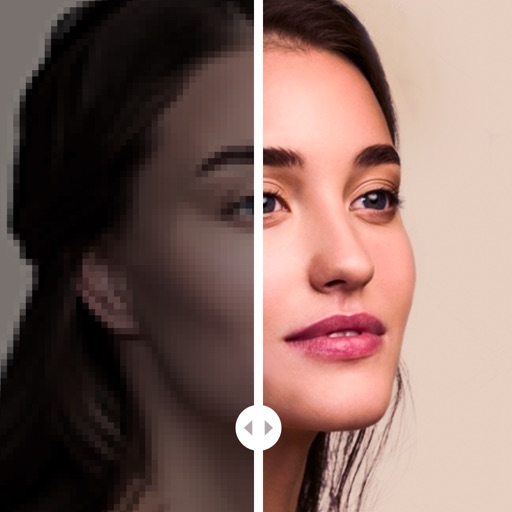
Edit photos with AI-powered enhancement, colorization, and object removal. Adjust lighting, sharpen details, and correct imions. Apply filters and restore old photos. Export edited images in various formats.
Edit photos and videos with customizable , presets, and effects. Add grain, dust, blur, and dark effects. Adjust colors and create atmospheric effects. Share edited content directly.
Edit photos with Polaroid borders, effects, and film grain. Adjust brightness, contrast, and saturation. Add retro text and share directly to social media.
Adjust image hues, saturation, and brightness. Apply binarization, smoothing, and mosaicing. Add noise and reduce color depth. Save and share edited images.
Create iPhone frames around images and videos. Add mockups to showcase website and prototypes. Combine multiple device views into one image. Save up to three images daily. Apply templates to enhance visual presentation.
Edit photos with effects to preview past or future appearances. Apply cartoon filters for artistic effects. Add stickers and costumes for creative customization. Share edited images directly.
Create directly from your device. Select from common photo formats like 4.5x3.5 cm and 2x2 inch. Customize ID dimensions. Save, print, or share for documents and passports.
Stylize photos using over 500 AI art styles from various movements. Edit and retouch images with professional tools. Work offline with on-device AI models. Keep data private with no cloud storage. Export edited images in multiple formats.
Apply frames to images. Adjust frames to fit photos. Edit images with special effects. Save and share edited photos. Switch between different frames easily.
Create collages by selecting multiple images and arranging them in different grid layouts. Add frames from a collection of 100+ designs to enhance images. Build personal stories by organizing photos and sharing them directly.
Edit photos and videos with gradient filters, color effects, and vintage styles. Apply effects during recording. Save and share edited content directly.
Edit photos with , contrast, saturation, and tone adjustments. Add text, stickers, and effects. Save and share edited images directly. Customize and create new ones within the .
Create albums with 1000+ original stickers. Add text and drawings to images. Organize photos by date or event. Share albums via social media or email. Save and export edited photos in various formats.
Create with customizable templates and frames. Add stickers, emojis, and crop images in various ratios. Include handwritten text and photos to personalize messages for loved ones. Share directly through supported platforms.
The app offers tools to improve and enhance photos with features like brightness, contrast, and saturation. Users can apply various filters and effects, and also create and purchase canvas prints of their images.
Take selfies with real-time face beautification filters and stickers. Apply and adjust skin tone. Edit photos with tools and export in various formats. Share directly to social media.